
Walk the floor with the checklist, record findings as you go.
Answer checklist lines on a tablet as you walk the area, and record findings on the spot.
7-day free trial, no card required. Audits are in Professional and Enterprise.
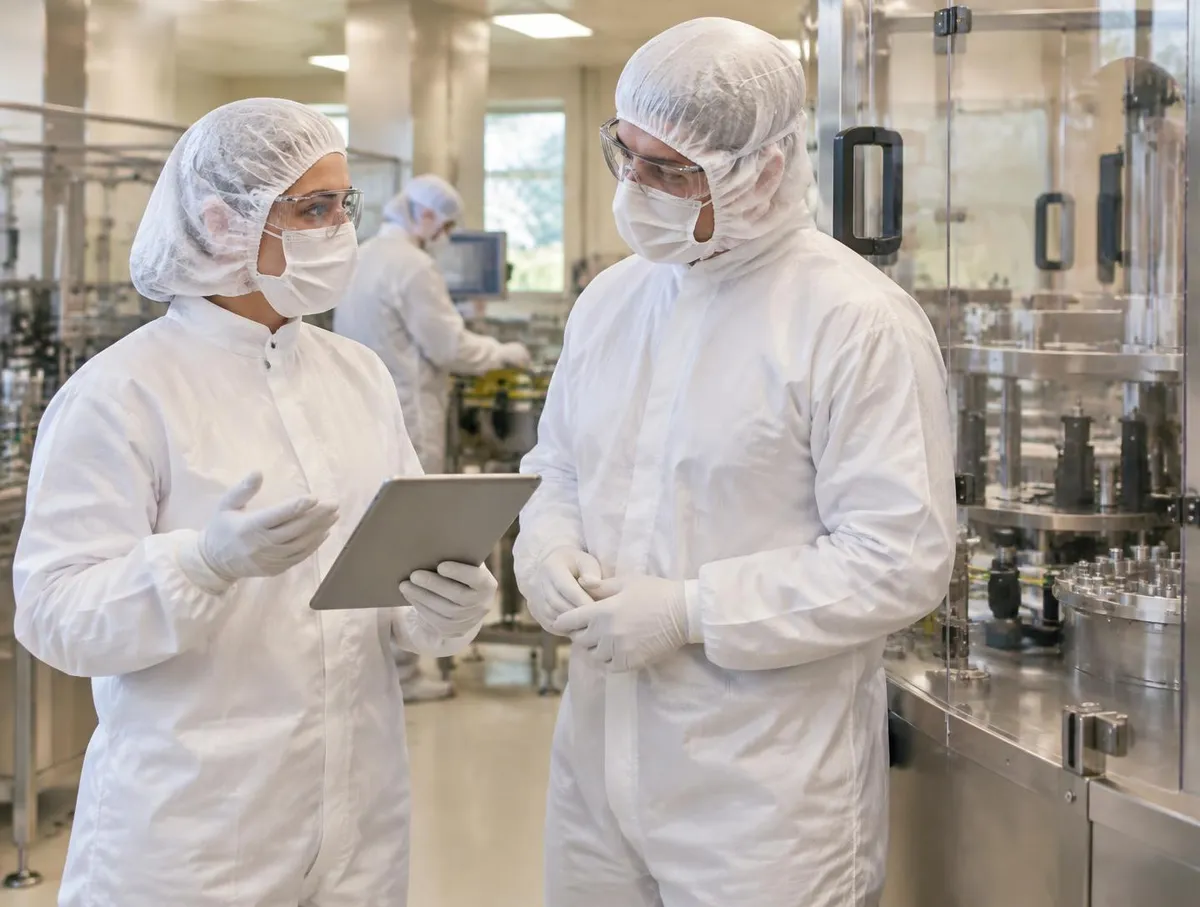
Checklist in hand.
Answer each line pass or fail on a tablet or phone while you walk.
Findings with evidence.
A failed line becomes a finding with its note and, where set up, a photo.
People grade and follow up.
A person grades each finding and gives the follow-up an owner.
Follow one walk-round
A monthly hygiene walk-round of the packing hall, AUD-2702. Four stages from the plan to graded findings.
Capture on the floor, follow up in quality
Try it: add a photo, raise the finding, then assign an owner.
Are drains clear and covered?
- Photo attached at 11:05
- Finding F-01 · minor
- Owner: R. Diaz (Hygiene) · due Fri
Auditors and owners are your people; the finding links to the same quality actions as everything else.
Explore the details: every stage, with limits and set-up notes
Tap a step below to see what happens.Choose a step below to see what happens.
Step 1 of 4
- ChecklistCL-HYG-03 rev B · 16 lines
- AuditorT. Ahmed
- Area ownerPacking supervisor
- EvidencePhoto for any fail
Your procedure sets what evidence is acceptable.
Area, checklist and auditor set before you go
- Choose the area, checklist version and auditor, as your procedure sets out.
- Agree what evidence is acceptable for a failed line before the walk.
Audits need Professional or Enterprise.
More on plan: full record and set-up
Also on this record
- Device
- Site tablet
Checklists can be controlled documents, so the version in force is the one used.
- Checklist drafts
- Where enabled, AI can suggest checklist lines from a scope you describe; the owner approves them under document control.
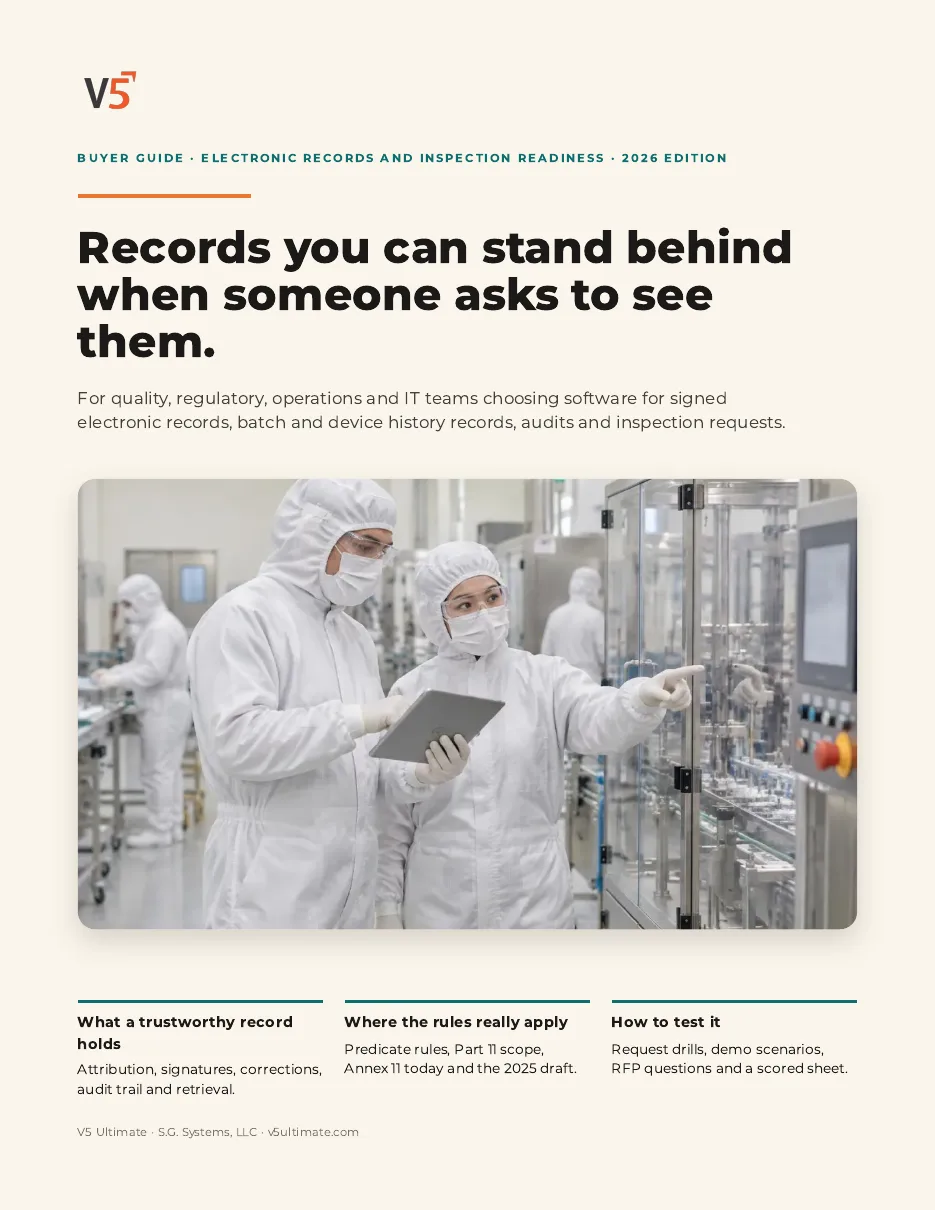
Electronic Records & Inspection Readiness Buyer Guide
For quality, regulatory, validation and IT teams evaluating electronic records, signatures and inspection readiness.
- 1Capture findings on the floor.
- 2Give each finding an owner.
- 3Follow it to closure.
We ask for your name and email so we can handle this request. The PDF downloads in your browser. Privacy policy
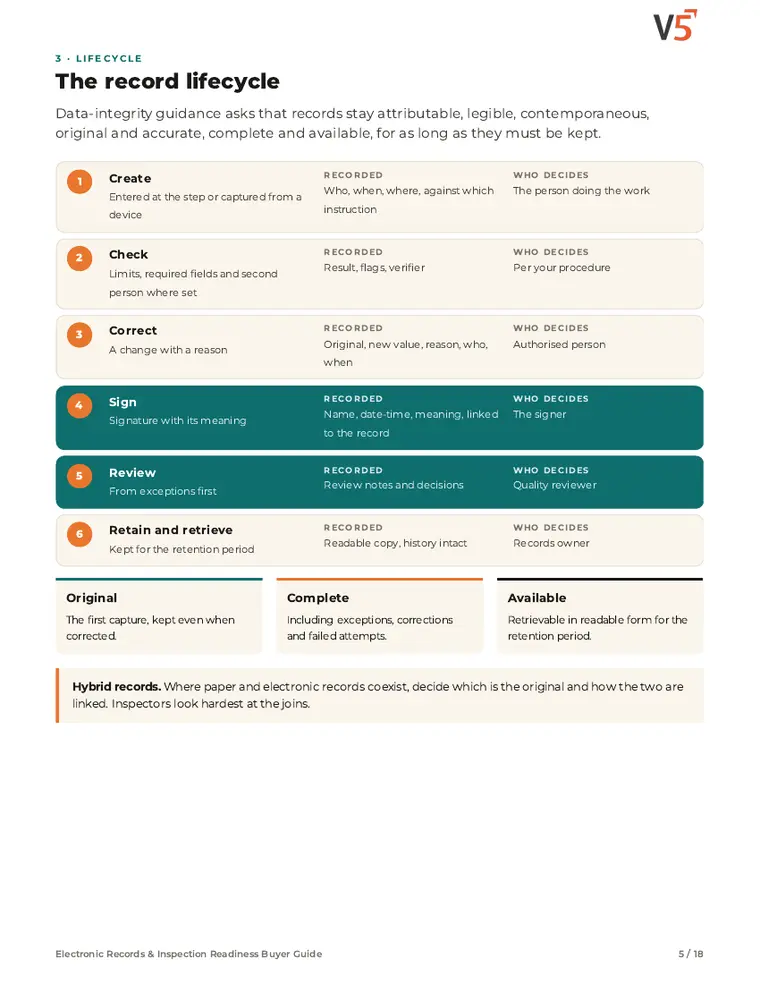
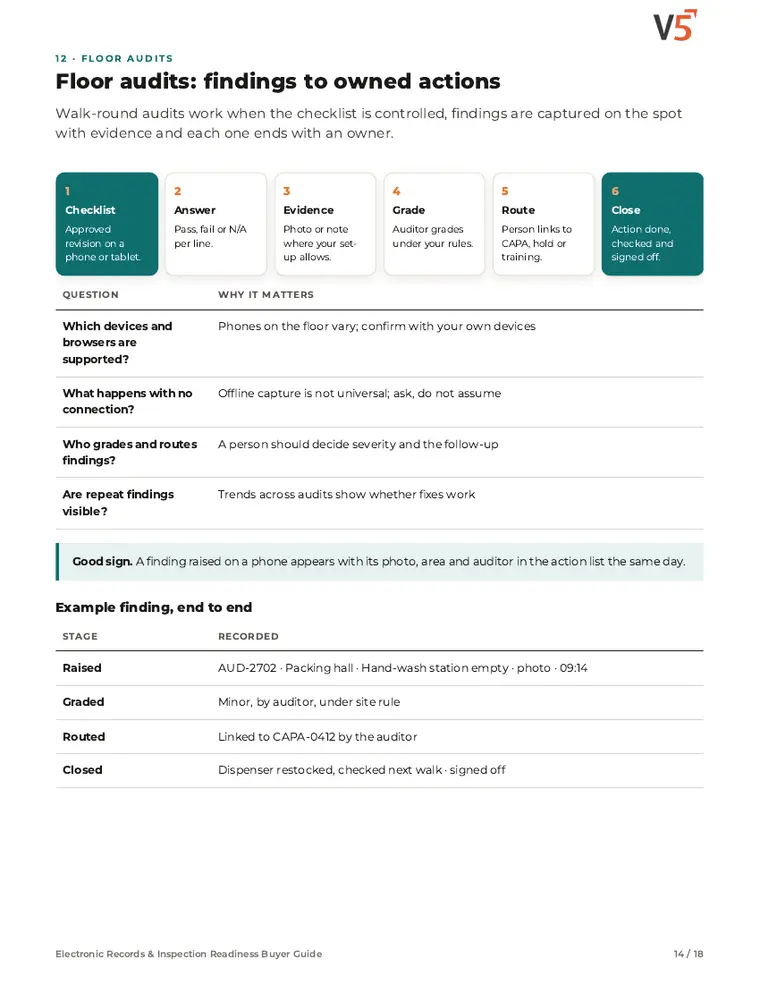
Floor audits in the same system as quality
Findings from the walk-round become audit findings, linked to CAPA, documents and training like any other.
Everything in this feature
What mobile audits include, and which plan each item needs. Compare plans
On the floor and after
From the walk-round to closed findings.
Audits · Document control for checklists · CAPA
Explore mobile audits
On the floor and after
From the walk-round to closed findings.
Audits · Document control for checklists · CAPA
- AuditsProfessional and EnterpriseChecklist lines answered on the floor, findings graded under your rules.
- Document control for checklistsProfessional and EnterpriseChecklists under revision and approval.
- CAPAProfessional and EnterpriseFindings linked to corrective actions.
- Field activity mapAvailability to confirmWhere signatures, checklists and scans happened, from captured GPS.
- Audit log (view)Who recorded what and when.
Availability to confirm: the capability exists in V5, but which plans include it, and whether it is enabled for you, is not yet confirmed — ask us. Offline use and voice transcription are not claimed. People grade findings and decide follow-up.
AI that sees it coming
It predicts and flags. Fixed rules decide. People sign.
See the next issue coming.
AI reviews deviation and complaint history to show where problems are building.
Straight answers.
What buyers ask us first about Quality & Laboratory.
Does V5 release product automatically?
No. V5 gathers results and records for review, but a person in quality decides and signs the release.
What does the lab side cover?
Lab and QC covers sampling, instruments, methods, results and out-of-spec handling, with LIMS, lab notebook, stability and SPC on top. These are Enterprise features; see Compare details on the pricing page.
Can we use V5 in a validated environment?
For validation-controlled operations, V5's route is Enterprise private cloud with controlled upgrades and IQ/OQ support. Your team still validates V5 for its intended use.
More of the product
Start with one area. Add the rest when you are ready.
 Warehouse & TraceabilityExplore
  Production & PlanningExplore
  This feature's areaQuality & LaboratoryExplore
  Documents & TrainingExplore
  Equipment & PerformanceExplore
  Orders & IntegrationsExplore
Try your next walk-round on a tablet.
Start a free trial or talk it through with us. No card needed.