
Right procedure. Right people. AI does the legwork.
Approve a revision and the right people are due for training. AI drafts the exam and the translation.
- AI-drafted exams from SOPs
- AI translations for review
- Untrained steps can be held

Watch one procedure change reach the floor
Approve. Train. Go live at the step.
Everything in Documents & Training
Each part does one job well. Together they share one record.
Document control
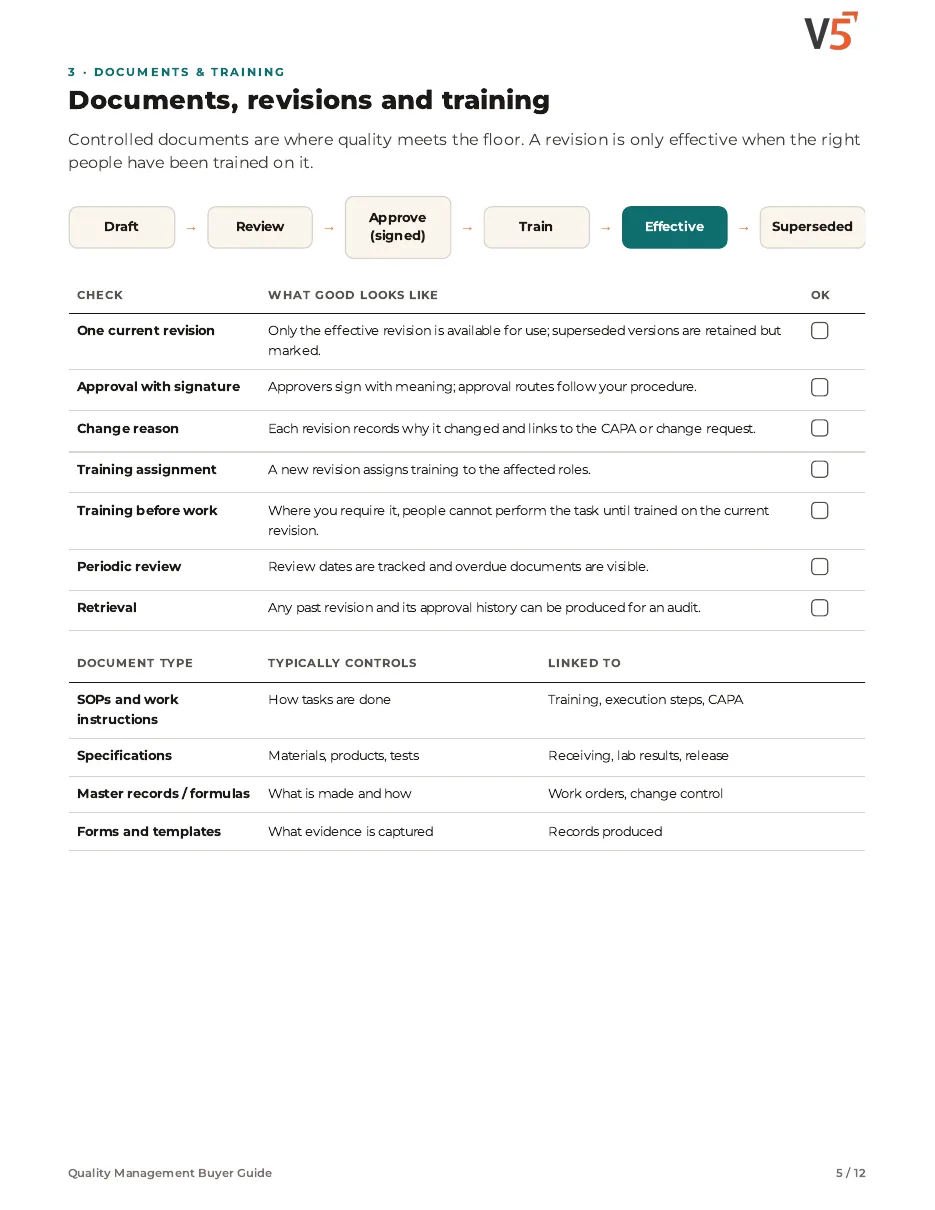
Draft, approve and make effective with one version in use.
Training & skills
Who is qualified, in training or due, for each task.
E-signatures & audit trail
Signed approvals and a record of every change.
Supplier qualification
Approved suppliers with their documents and review dates.
Audit readiness
Find the evidence an auditor asks for, quickly.
Safety data sheets
Current SDS kept with the material they describe.
AI that sees it coming
It predicts and flags. Fixed rules decide. People sign.
Know who needs training next.
Upcoming revisions show who will be due, before the effective date.
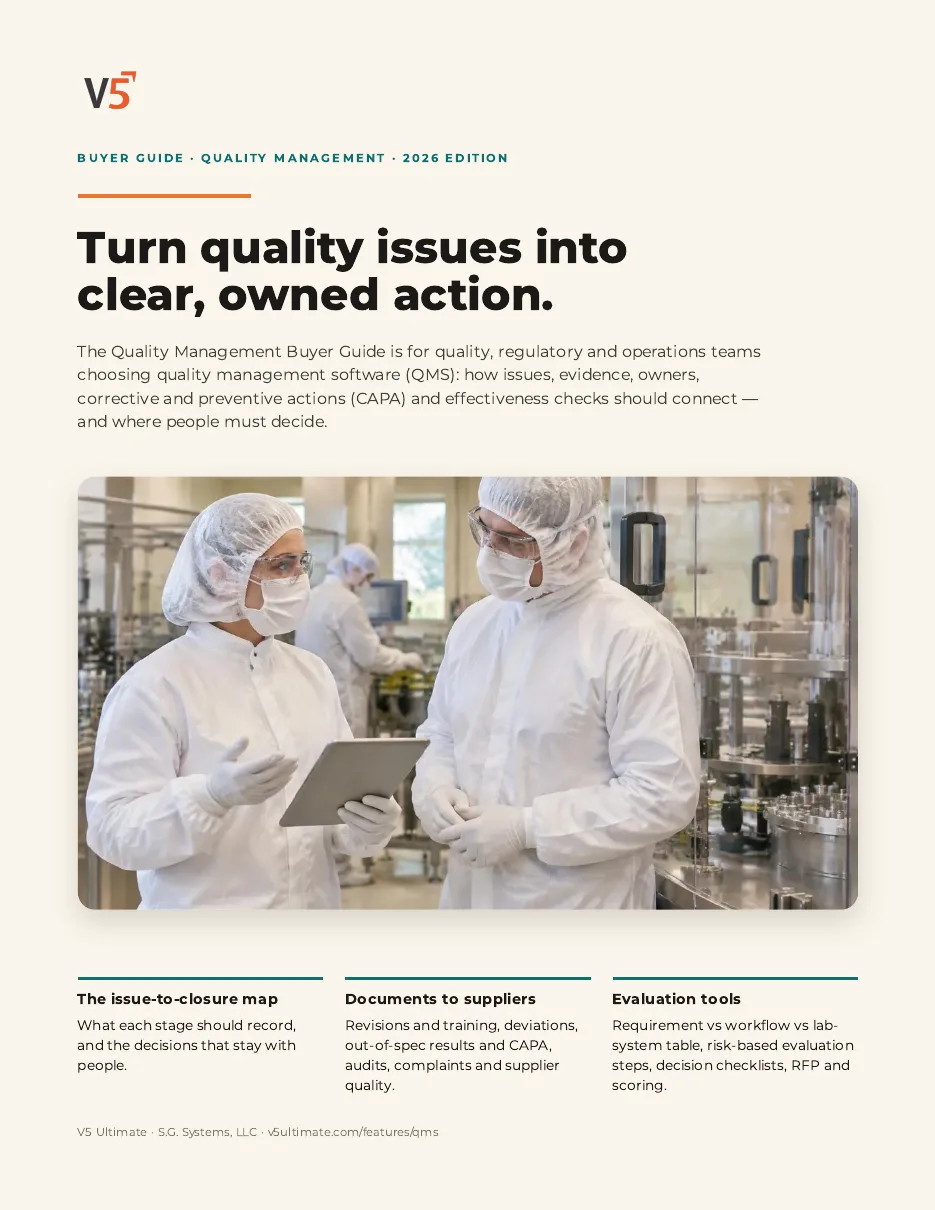
Quality Management Buyer Guide
For quality, regulatory and operations teams choosing quality management software.
- 1Link each revision to the training it needs.
- 2Know what competence evidence to check.
- 3Test it with one of your own teams.
We ask for your name and email so we can handle this request. The PDF downloads in your browser. Privacy policy
Straight answers.
What buyers ask us first, answered plainly.
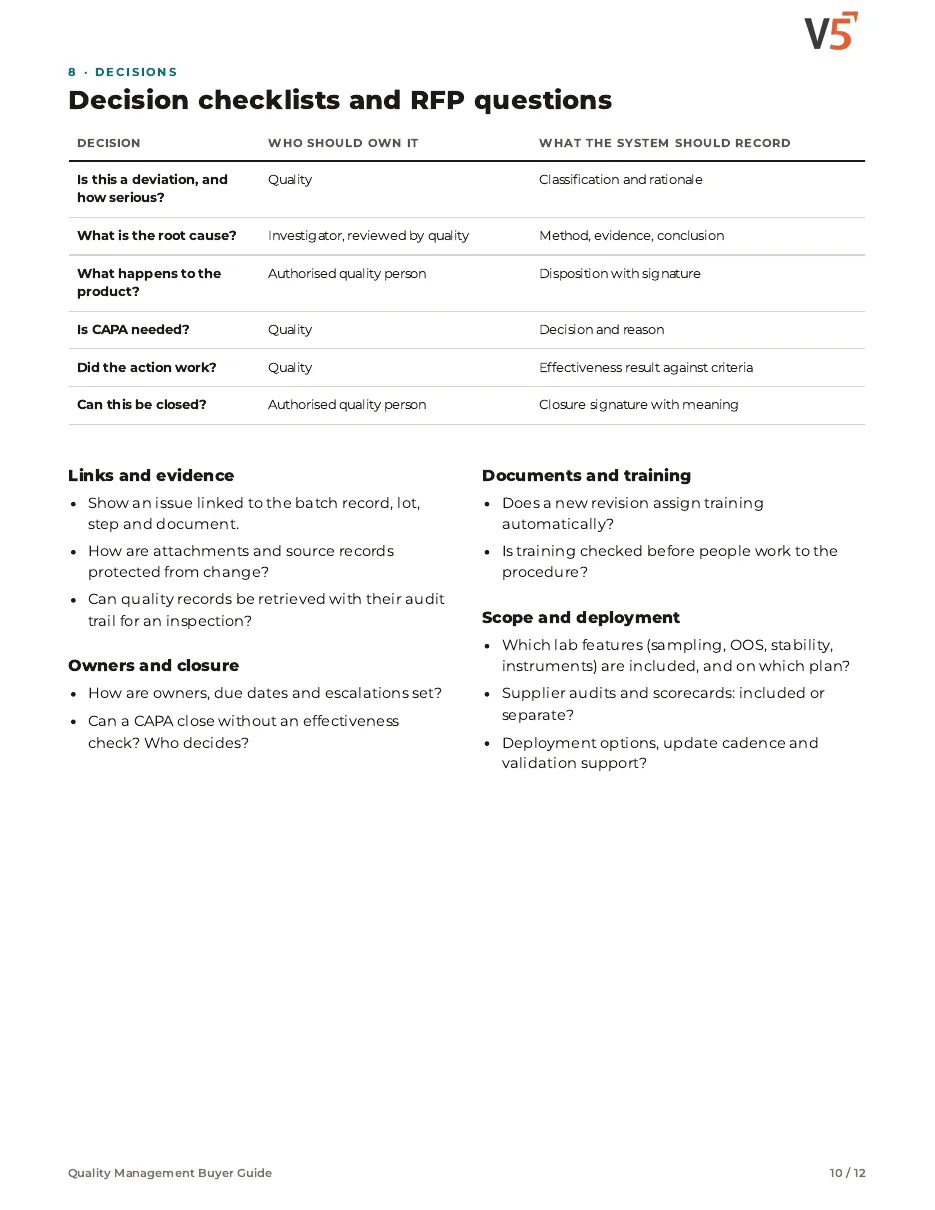
Can V5 stop an untrained person starting a step?
It can when you configure training checks at the step (Professional and Enterprise). People still decide who is qualified.
Is there a full skills matrix?
The full skills matrix with competencies and refresher reminders is an Enterprise feature.
How do new procedure revisions reach the floor?
A revision is approved with an effective date. Training can be assigned before that date, and the kiosk shows the approved revision once it takes effect.
More of the product
Start with one area. Add the rest when you are ready.
 Warehouse & TraceabilityExplore
  Production & PlanningKiosk steps show the revision in force and can check training.Explore
  Quality & LaboratoryCAPA outcomes can start a document change.Explore
  Equipment & PerformanceInstrument and maintenance procedures are controlled the same way.Explore
  Orders & IntegrationsExplore
See it on your own floor.
Start a free trial or talk it through with us. No card needed.