Start with facts.Agree the next step.Keep the dialogue.
Before each session, recent training, work and events are gathered in one place. Supervisor and operator agree an action together, and it opens the next review.
A conversation becomes a shared next step.
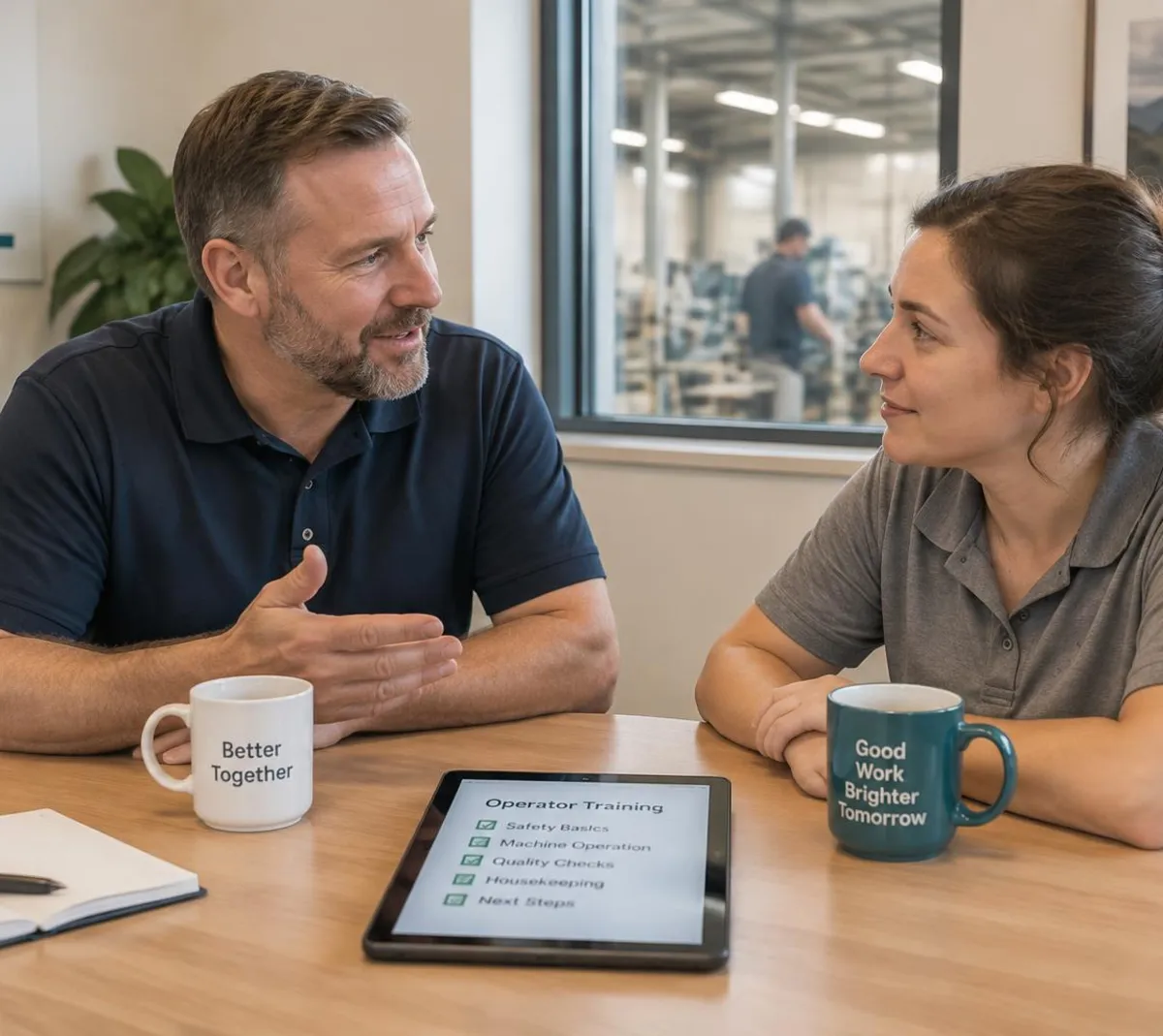
Follow one monthly one-to-one
A packing supervisor meets an operator for their monthly session. Four stages.
A Set Rhythm per Person
Each operator has a weekly, fortnightly or monthly rhythm.
Coaching & 1-on-1s: workflow and records
1. A Set Rhythm per Person
Each operator has a weekly, fortnightly or monthly rhythm.
Supervisors get a calendar invite.
Missed sessions are visible.
- New starters
- A shorter rhythm can be set while someone is learning.
The rhythm is a supervisor's choice, not a rule V5 imposes.
One-to-ones · Packing
Supervisor view
- Operator A
- Monthly · due Tue
- Operator B
- Fortnightly · done
- Operator C
- Weekly · new starter
- Invite
- Calendar to supervisor
- Missed
- Shown, not hidden
The supervisor sets each person's rhythm.
2. Recent Records in One Place
Training due and the next skill on their path are shown.
Recent work and events they were part of are listed.
Reporting a near miss shows as a contribution.
- Deviations
- Being part of a deviation is context, not blame; the investigation stays in its own record.
Records inform the conversation; they are not a rating of the person.
Operator A · prep
Last 30 days
- Training due
- SOP-PK-04 rev D
- Work recorded
- 18 shifts on Line 3
- Events
- Part of 1 deviation
- Near misses
- Reported 1
- Next skill
- Labeller setup
Context for a conversation, not a score.
3. Notes and Actions, Agreed Together
The supervisor records notes and agreed actions.
Each action has an owner and a due date.
Actions are stored against the operator.
- Privacy
- Who can see session notes follows the roles you configure.
V5 and its AI do not score, rank or judge people.
Session · Tuesday
Operator A
- Discussed
- Labeller setup interest
- Action
- Shadow setup ×2 · Operator A
- Action
- Book SOP-PK-04 · supervisor
- Due
- Before next session
- Written by
- Supervisor
People write the notes.
4. Next session starts with open actions
Open actions appear at the top of the next session.
Training completed updates the skills matrix.
A qualified trainer still signs off competence.
- Skills matrix
- See the Skills matrix page for who is ready and who is due.
Competence sign-off follows your training procedure, not the coaching notes.
Operator A · next month
Open from last time
- Shadow setup ×2
- Done
- SOP-PK-04 rev D
- Trained · signed
- Skills matrix
- Labeller setup · in progress
- Sign-off
- Trainer decides
- Carried over
- None
Progress shows on the skills matrix.
Coaching Connects to Training
The skills matrix shows what's next; handover and huddles show the daily work.
- Skills MatrixSee who is trained on what before planning a shift.See Skills Matrix
- This pageCoaching & 1-on-1sOne-to-one reviews built from each person's records.
- Shift HuddleSafety, quality, delivery and cost for the daily meeting.See Shift Huddle
- Shift HandoverPass open issues and status to the next shift.See Shift Handover
AI and Coaching & 1-on-1s
Keep coaching grounded in agreed actions
Keep coaching grounded in agreed actions
Ask V5 how coaching records can connect observations, agreed actions and follow-up. Do not treat assistant wording as a judgement of a person's performance.
Everything in this feature
What coaching uses, and which plan each item needs. Compare plans
Training & competence
Professional and EnterpriseTraining due, skills path.
Operator kiosk
All plansRecorded work.
Deviation management
Professional and EnterpriseEvents for context.
Electronic signatures
Professional and EnterpriseTraining sign-off.
Supervisors lead the conversation. Records give it facts.
Shift Continuity & Team Development Buyer Guide
For supervisors, operations managers, quality and HR partners choosing how shifts hand over, how teams review the day and how one-to-ones are followed up.
- What's native vs your procedure
- Handover template
- Worked case: issue carried forward
- Huddle measure definitions
Plus The action log; Preparing a constructive one-to-one; Actions, follow-up, private access; Training evidence vs qualification; Supervisor test pack and first month.
Get the guideWe ask for your name and email so we can handle this request. The full guide then opens on this site, ready to translate, print or save. Privacy policy.
 Ultimate
Free buyer guide
Shift Continuity & Team Development Buyer Guide

Straight answers.
What buyers ask us first about Equipment & Performance.
Can V5 block an out-of-calibration scale?
The kiosk can block devices that are out of calibration, depending on how you configure it.
Does it cover planned maintenance?
Yes. Maintenance includes planned work, downtime reasons and requisitions, with OEE built from what is recorded. Maintenance and OEE are on Professional and Enterprise.
Do our machines need to connect?
No. You can record downtime and checks by hand. Device connections are optional and each one is confirmed in setup.
More of the product
Start with one area. Add the rest when you are ready.
 Warehouse & TraceabilityExplore
  Production & PlanningExplore
  Quality & LaboratoryExplore
  Documents & TrainingExplore
  This feature's areaEquipment & PerformanceExplore
  Orders & IntegrationsExplore
Try one-to-ones with one of your teams.
Start a free trial or talk it through with us. No card needed.