
Design the label your product needs.
Create your own layouts, filled from the records your team controls.
7-day free trial, no card required. Label design and print are in every plan.
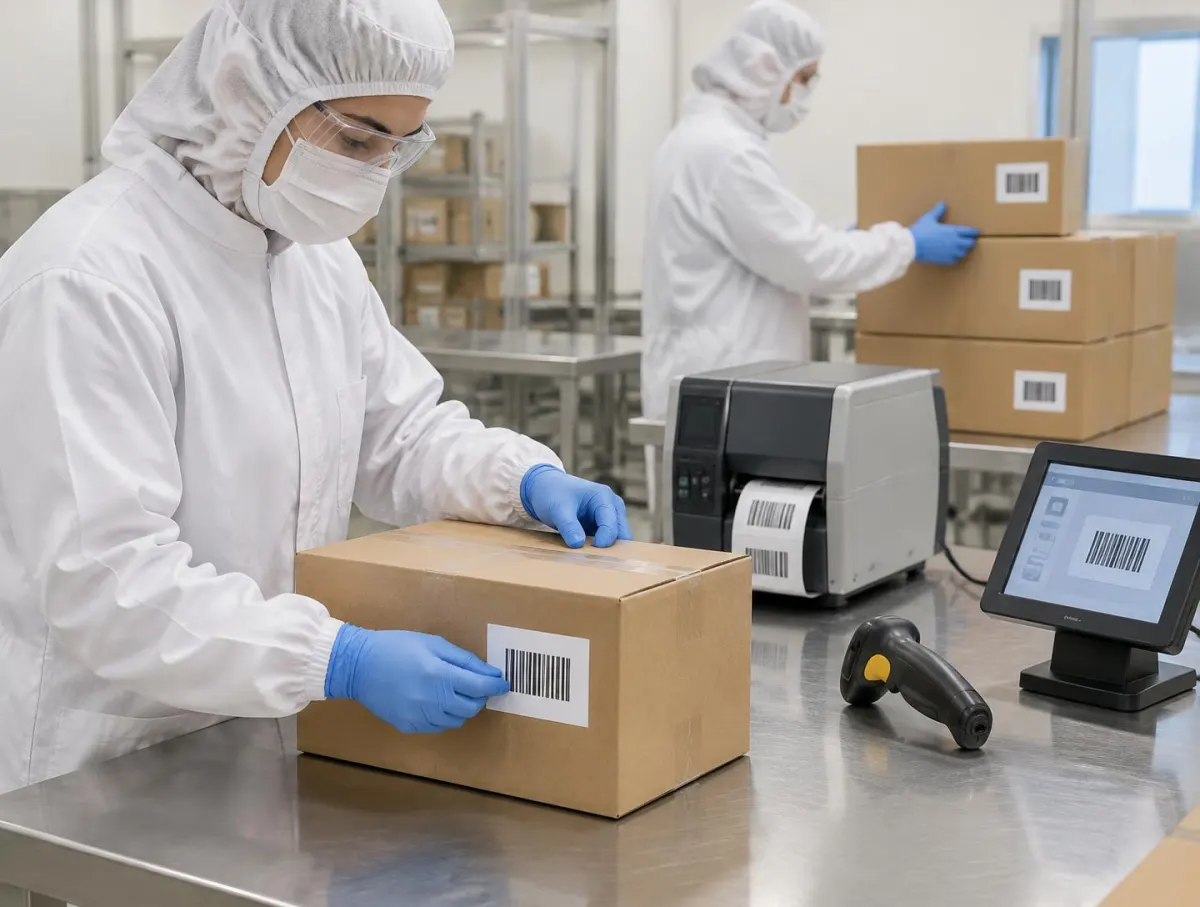
Your layout.
Arrange text, barcodes and supported symbols or artwork the way each product and customer needs.
Connected data.
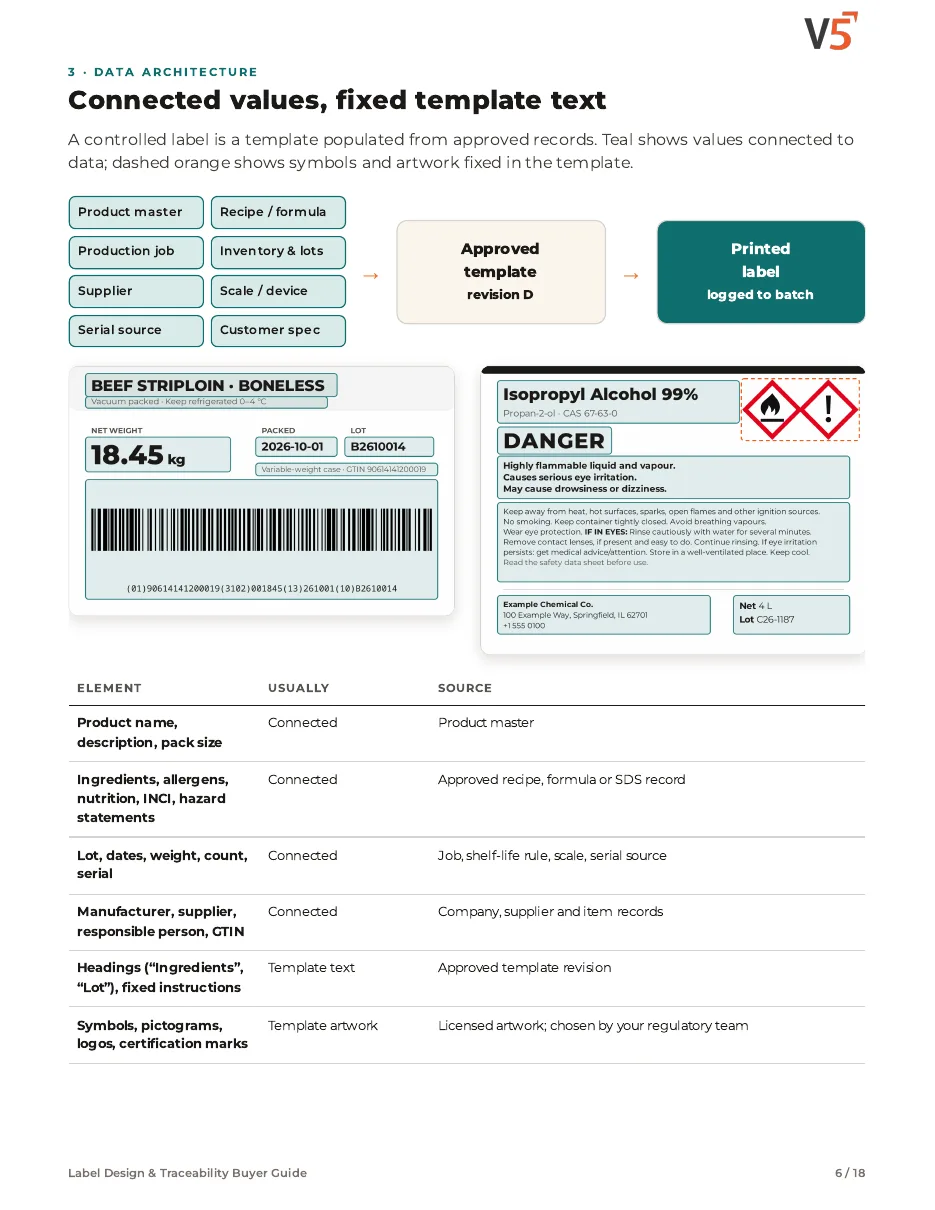
Product, lot, date and compliance values fill in from approved records — nothing retyped.
Controlled printing.
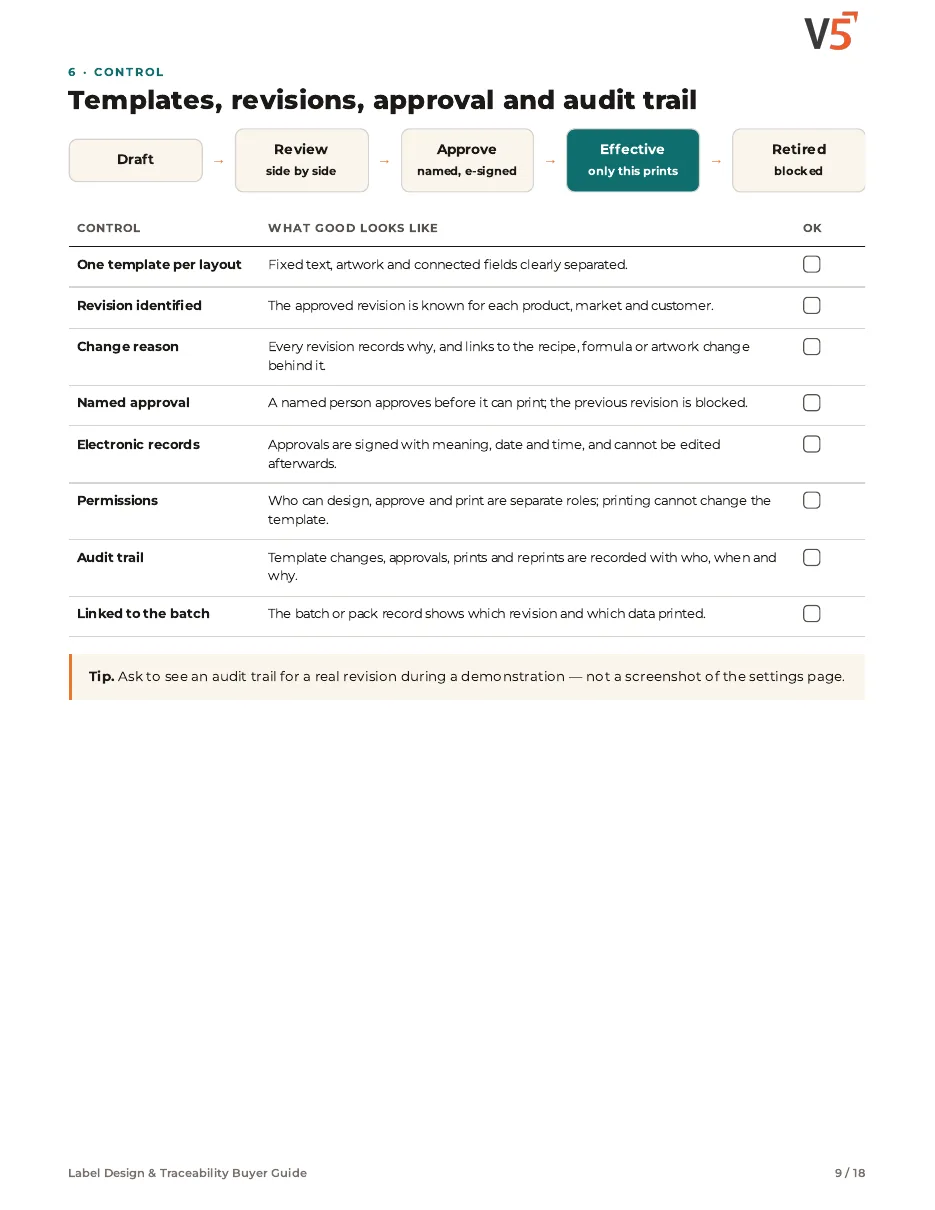
Only approved revisions print, and every print and reprint is recorded.
Examples of what you can design
Your layout, filled from live records—printed, applied and checked.
Text summary of this animation (6 steps)
- Choose a layout. For job WO-7004 the carton layout CL-220 rev D is chosen. Layouts are your own designs; this site has a carton, a pallet and a sample layout.
- Fields fill from the job. Connected fields fill from the records: item, lot FG-7004, expiry and pack size.
- Barcode built. The GS1-128 barcode is built from the same lot and expiry data.
- Print. Printer LP-P3 prints the label for the job; the print is recorded with who and when.
- Apply to the carton. The label is applied to the carton.
- Scan to confirm. A scan reads the barcode back: lot FG-7004, item and expiry match the job.
Worked example. Layouts use drag-and-drop text, shapes, barcodes (Code 128, GS1-128, QR, DataMatrix) and merge fields; AI can suggest a draft layout that a person edits. Versions are compared, approved and locked under your sign-off rules; electronic signatures are Professional and Enterprise. Labels output to label printers such as ZPL/EPL devices—confirm your printer models with us during setup. Prints, reprints and exports are recorded with who and when; reprint reasons are entered by people. Label wording is approved by your people.
Label Design & Traceability Buyer Guide
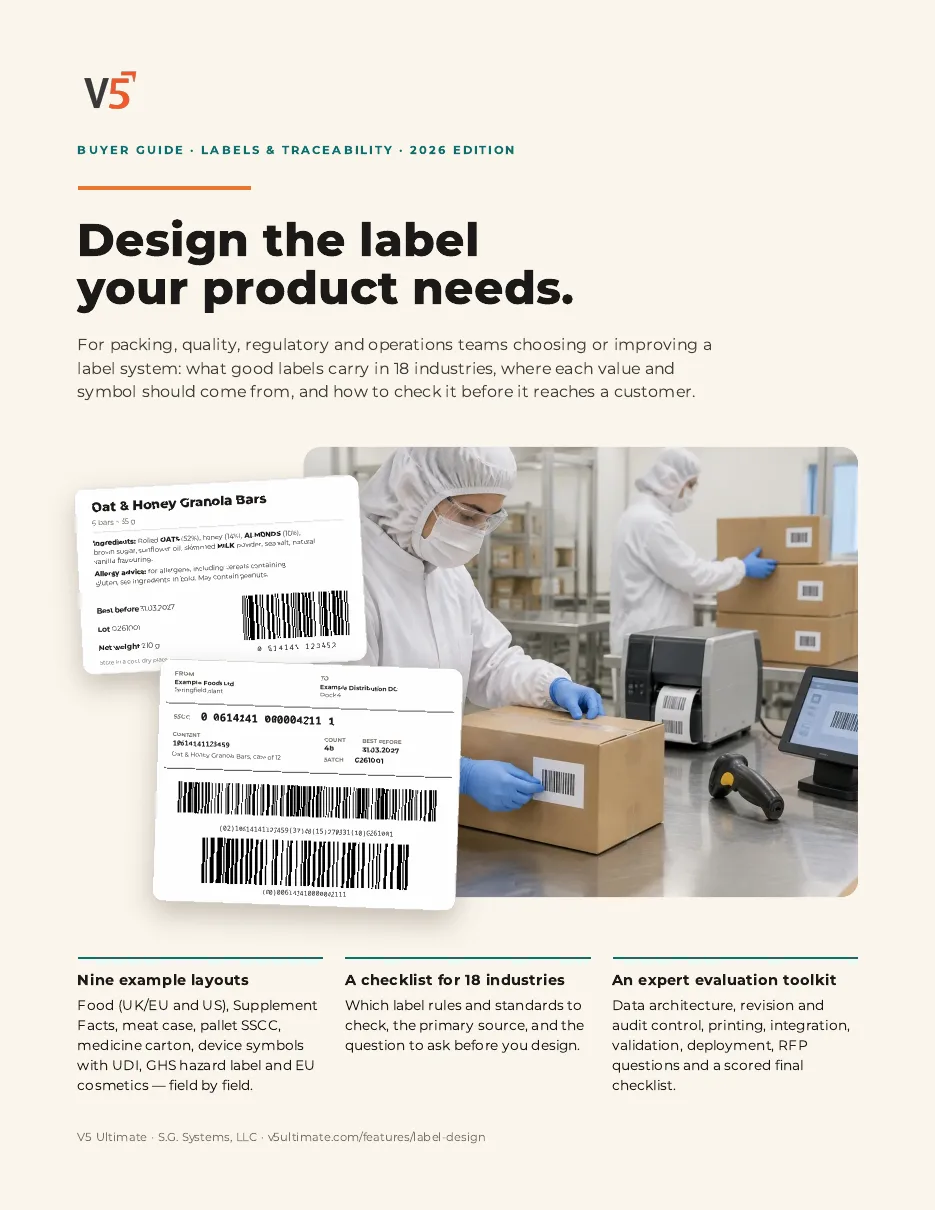
A practical guide for choosing or improving a label system — with or without V5.
- 1Map every label value to a controlled source.
- 2Check revisions, approval, printing and audit trail.
- 3Use the market checklist, worksheet and RFP questions.
See what's inside
- How to design labels where almost every value comes from controlled data, with a source map for product, recipe, production, inventory, supplier, device and serial records.
- What to check for revisions, approval, audit trail, printing, integration, Part 11 / Annex 11-style records and validation testing.
- Ready-to-use tools: an 18-industry market checklist, a field-mapping worksheet, RFP questions for suppliers and a scored final checklist.
Chapters: why label control matters · examples of what you can design · data architecture · nutrition, supplements and allergens · barcodes, variable data and serialisation · templates, revisions, approval and audit trail · printing and integration · regulated manufacturing and validation · deployment, pitfalls and migration · market checklist (18 industries) · field-mapping worksheet · RFP questions · final evaluation checklist, where V5 fits and sources.
We ask for your name and email so we can handle this request. The PDF downloads in your browser. Privacy policy
Labels with recipes and shipping
Recipes hold the label details, production prints them, and shipping uses the same lots.
What's included
What labels use, and which plan each item needs. Compare plans
Labels
Design, approve, print, log.
Label design & print · Lots and traceability · Guided device pairing
Explore labels
Labels
Design, approve, print, log.
Label design & print · Lots and traceability · Guided device pairing
- Label design & printDesigner, GS1-128, ZPL/EPL, several printers.
- Lots and traceabilityLot data on labels.
- Guided device pairingLabel printers.
- Electronic signaturesProfessional and EnterpriseLabel approval.
Your people approve artwork and wording. AI drafts are edited by a person.
Rebuild one of your own labels.
Start your free trialOr (you can edit the question before sending) or .