Scan the lot.Find the right bin.Keep every move.
Put stock away from the dock, move it between bins and send it between warehouses, with each movement tied to a lot.
Every move keeps its location.
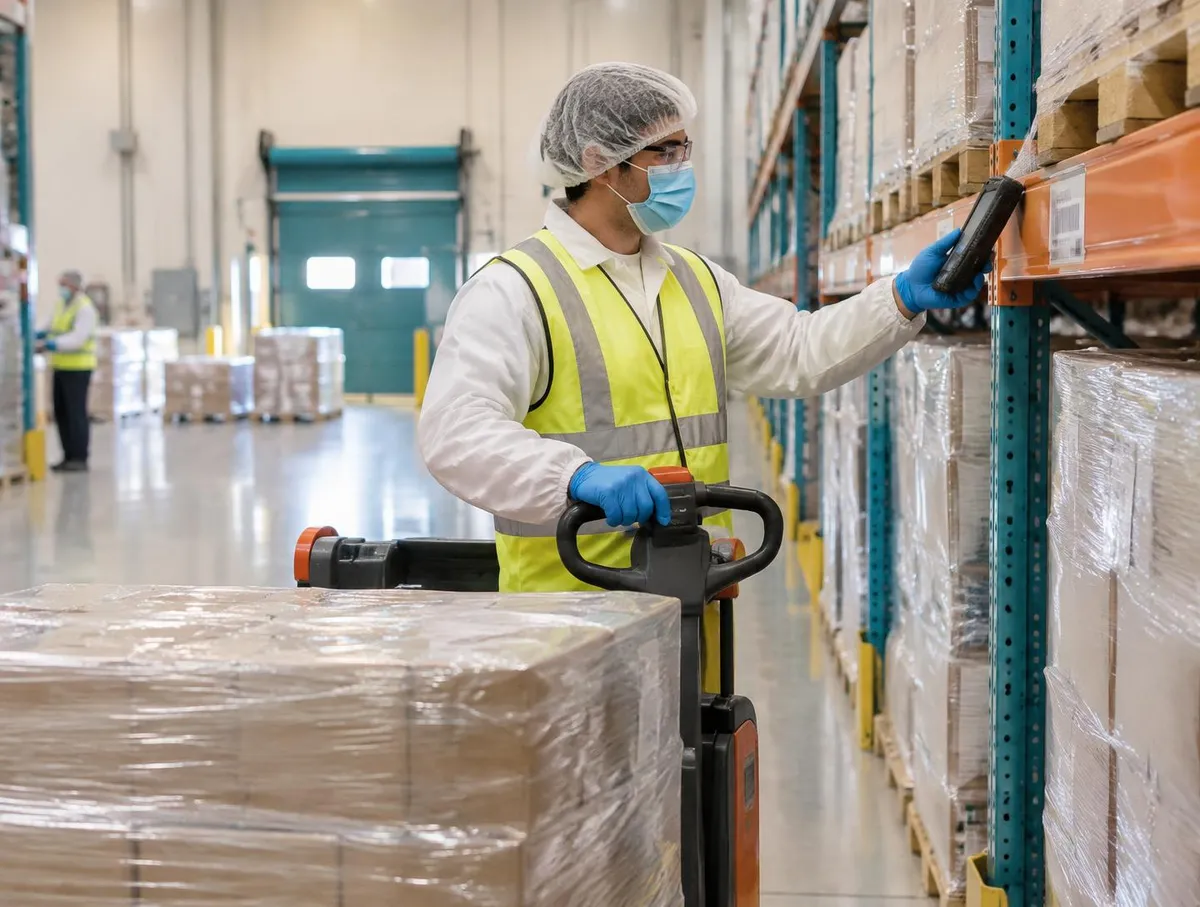
Follow one pallet
What is waiting, and for how long
The kiosk shows what is waiting on the dock.
How put-away works: dock list, scans, bin moves and transfer orders
1. What is waiting, and for how long
The kiosk shows what is waiting on the dock.
The ageing view flags stock past its limit.
Moving stock needs the warehouse operator role.
- Receiving
- Stock arrives here from receiving.
The limits are the ones you set.
Put-away · Dock 2
Waiting
- LP-000418
- Starch · 1,000 kg
- LP-000419
- Starch · 950 kg
- On dock
- 40 min
- Quarantine Q-1
- 1 past limit
- Role
- Warehouse operator
Dock and quarantine ageing in one view.
2. Lot First, Bin Second
Scan the lot, then the destination bin.
Confirm the quantity.
The lot keeps its status in its new place.
- Labels
- Licence plates come from receiving.
Bin labels and scanners are set up at implementation.
LP-000418
Put away
- Lot
- R-4410-1 · scanned
- To bin
- C-12-1 · scanned
- Quantity
- 1,000 kg · confirmed
- Moved by
- Operator · 10:42
- Status
- Kept with lot
The bin and lot are both scanned.
3. Find it, move it, keep the history
Find source stock by lot, location or item code.
Move it to a new bin with the same scan flow.
Every movement stays on the lot's history.
- Replenishment
- Refills to pick faces can be staged automatically.
Which bins are allowed follows your warehouse setup.
Bin to Bin
Find by lot
- Search
- Lot R-4410-1
- From
- C-12-1
- To
- A-02-3 · pick face
- Quantity
- 200 kg
- History
- Every move kept
Find by lot, location or item code.
4. From one warehouse to another
Create a transfer order between warehouses.
Add a scheduled ship date if you need one.
Lots stay traceable across sites.
- Trace
- Traceability follows lots between sites.
Carrier and transport documents follow your shipping setup.
Transfer order TO-0031
Between sites
- From
- Main plant
- To
- Overflow store
- Lot
- R-4410-1 · 300 kg
- Ship date
- Scheduled · optional
- Status
- Open
The lot travels with the stock.
Where put-away fits
Put-away turns a received delivery into stock in a known place.
- ReceivingCheck deliveries against the purchase order and record each lot.See Receiving
- This pagePut-away & transfersScan each lot to its bin and move stock between bins and sites.
- WMSPut away, pick and count with each move recorded.See WMS
- TraceabilityTrace forward and backward from any lot.See Traceability
AI and Put-away & transfers
Move the lot, preserve the record
Move the lot, preserve the record
Ask V5 about scanning a lot to a bin and transferring stock between locations. The recorded move—not an assistant inference—establishes its location.
Everything in this feature
What put-away and transfers use, and which plan each item needs. Compare plans
Put-away from the dock
All plansLot and bin scanned.
Bin-to-bin moves
All plansFind by lot, location or item.
Transfer orders
All plansBetween warehouses.
Dock and quarantine ageing
All plansHighlights stock past its limit.
V5 records every move. Quality still decides what is released.
Explore the sample records.
Open a sample report to review its contents, supporting references and how the record is built.
 Ultimate
Sample register
Put-away & transfer log (CSV)

Buy & receive
- Ultimate
Sample report
Goods Receipt Note
Buy & receive
- Ultimate
Sample report
Lot Traceability & Distribution Record
Ship & trace
Inventory & Traceability: the Practical Operations Guide
From goods-in to dispatch: practical controls for locations, usable stock, movements, counting, picking and traceability. Use it with or without V5.
- The stock record and goods-in
- Locations people can find
- Eligible versus on-hand stock
- Movements, counting and adjustments
Plus Picking, dispatch and traceability; Quality handover, planning and connections; Five working tools: dataset, exception tests, timed trace challenge, trial scoring, pilot plan.
Get the inventory & traceability guideWe ask for your name and email so we can handle this request. The full guide then opens on this site, ready to translate, print or save. Privacy policy.
UltimateFree practical guide
Inventory & Traceability: the Practical Operations Guide

Straight answers.
What buyers ask us first about Warehouse & Traceability.
Do we need scanners and label printers?
Scanning and printing work best with handheld scanners and label printers. Each device is confirmed during setup, so check your models with us before you buy.
Can we keep stock on hold until quality approves it?
Yes. A lot can be held, and held stock shows as unavailable for picking until a person in quality releases it.
How fast can we trace a lot?
From any lot you can follow it back to its supplier or forward to batches and shipments. How complete that is depends on every move being scanned.
More of the product
Start with one area. Add the rest when you are ready.
 This feature's areaWarehouse & TraceabilityExplore
  Production & PlanningExplore
  Quality & LaboratoryExplore
  Documents & TrainingExplore
  Equipment & PerformanceExplore
  Orders & IntegrationsExplore
Try it with one of your own pallets.
Start a free trial or talk it through with us. No card needed.