
Deliveries checked at the dock, not at the end of the week.
Scan each delivery against its purchase order, record supplier lot and expiry, and label it for every later scan.
7-day free trial, no card required. Receiving, lots and GS1-128 labels are in every plan.

Checked at the dock.
Operators scan against the open purchase order, so short or wrong deliveries show up on arrival.
The supplier lot stays with it.
Supplier lot, expiry and certificate are kept on the lot from the first scan.
One label for every later scan.
A GS1-128 label printed at receipt is what the warehouse scans from then on.
Follow one delivery
Captured at the dock, reviewed by a person
Try it: tap Scan to capture each item on the tablet, then review the receipt.
- Pallet 1—
- Pallet 2—
- Supplier lot—
- Expiry—
- Certificate—
Worked example. What happens to a short delivery follows your purchasing process. V5 stores the certificate; your QC judges it.
How receiving works: checks, lots, documents and labels
Tap a step below to see what happens.Choose a step below to see what happens.
Step 1 of 4
- Pallet 11,000 kg · matched
- Pallet 2950 of 1,000 kg
- Supplier lotST-88213
- Expiry2027-08-31
Captured at the dock.
Matched line by line
- Quantity, unit, supplier lot and expiry are captured at the dock.
- Each line is checked against the open purchase order.
What happens to a short delivery follows your purchasing process.
More on match po: full record and set-up
Also on this record
- Unit
- kg
Short or over quantities are visible straight away.
- Photos
- Vision AI can read a supplier label from a photo; a person checks it.
Inventory & Traceability: The Practical Operations Guide
From goods-in to dispatch: practical controls for locations, usable stock, movements, counting, picking and traceability. Use it with or without V5.
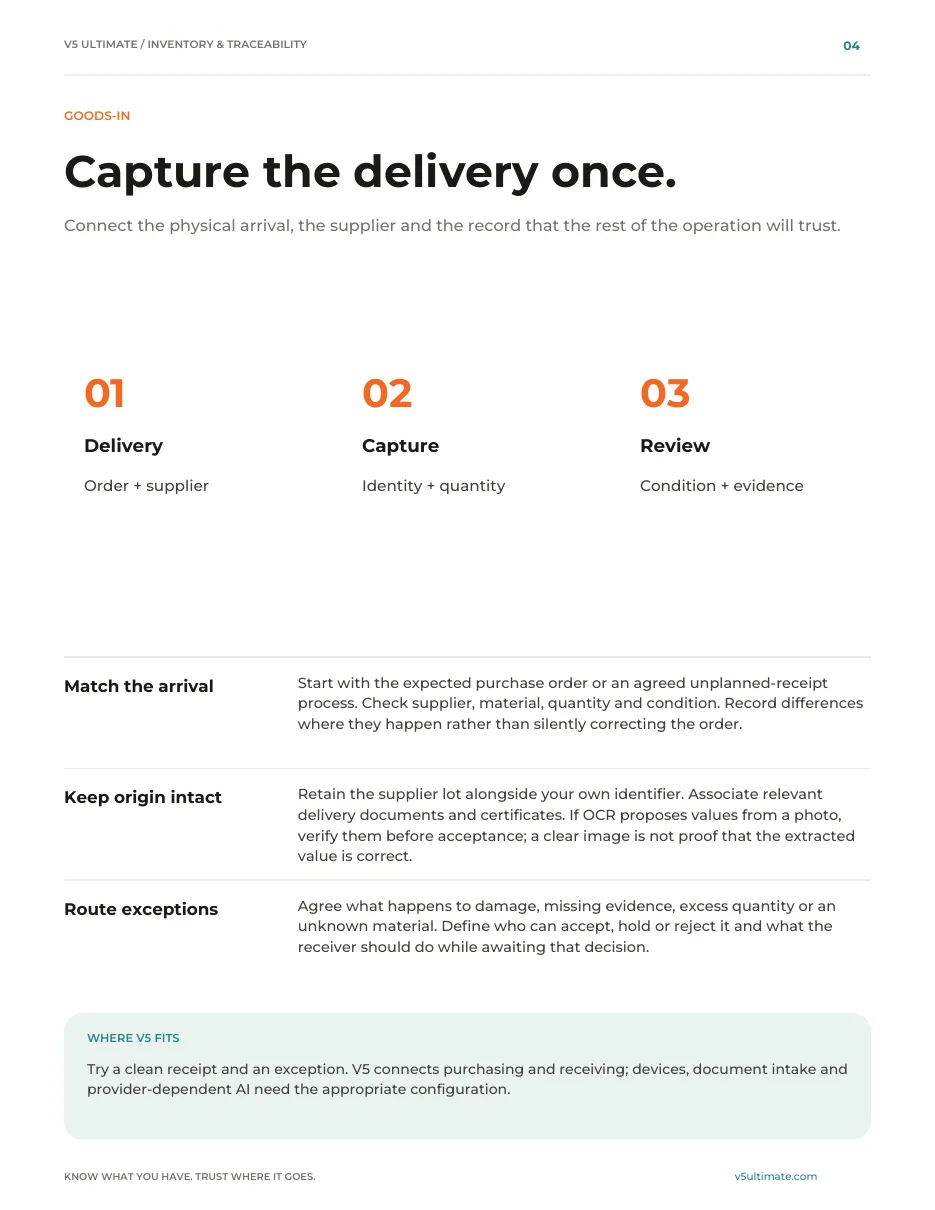
- 1Capture each delivery once, with its supplier lot.
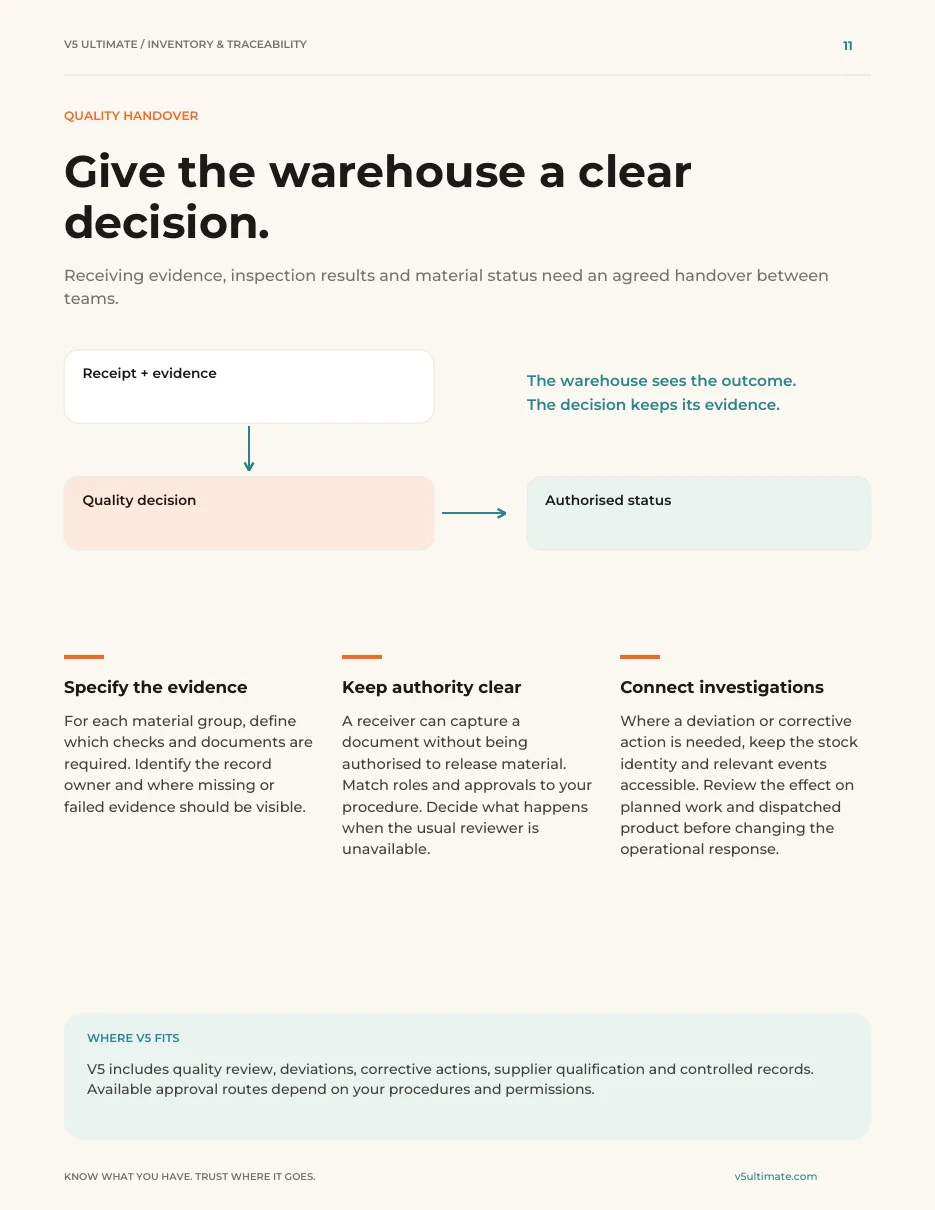
- 2Hand receipt evidence to a quality decision.
- 3Test a clean receipt and a problem delivery.
See what's inside
- How to capture a delivery once: match it to the order, keep the supplier lot and route damage or missing evidence.
- How receipt evidence hands over to a quality decision and an authorised stock status.
- Five working tools, including exception tests to try a clean receipt and a problem delivery.
Chapters: using the guide · the stock record · goods-in · locations · eligibility · movements · counting · picking and dispatch · traceability · quality handover · planning · automation and people · connections · implementation · measurement · five working tools · next step.
We ask for your name and email so we can handle this request. The PDF downloads in your browser. Privacy policy

Where the trace starts
Receiving creates the lot every later step and trace uses.
What's included
What receiving uses, and which plan each item needs. Compare plans
At the dock
Match, store, hold, label.
Inventory, receiving, putaway · Lots, traceability, GS1-128 labels · Sales & purchasing
Explore receiving
At the dock
Match, store, hold, label.
Inventory, receiving, putaway · Lots, traceability, GS1-128 labels · Sales & purchasing
- Inventory, receiving, putawayDelivery against the PO.
- Lots, traceability, GS1-128 labelsLicence plates.
- Sales & purchasingPurchase orders and matching.
- Vision AI / OCRReads supplier labels and certificates; people check.
Quality releases received stock. V5 doesn't judge certificates.
Try it with one of your own deliveries.
Start your free trialOr (you can edit the question before sending) or .