
Find the right stock. Know it’s fit to use.
V5 shows where every lot is, whether it is released or on hold, and when it expires — and suggests which stock to pick next, so the right material leaves the shelf and every move is recorded.
7-day free trial, no card required. Warehouse operations are in every plan. Multiple warehouses are in Enterprise.

Stock is where V5 says
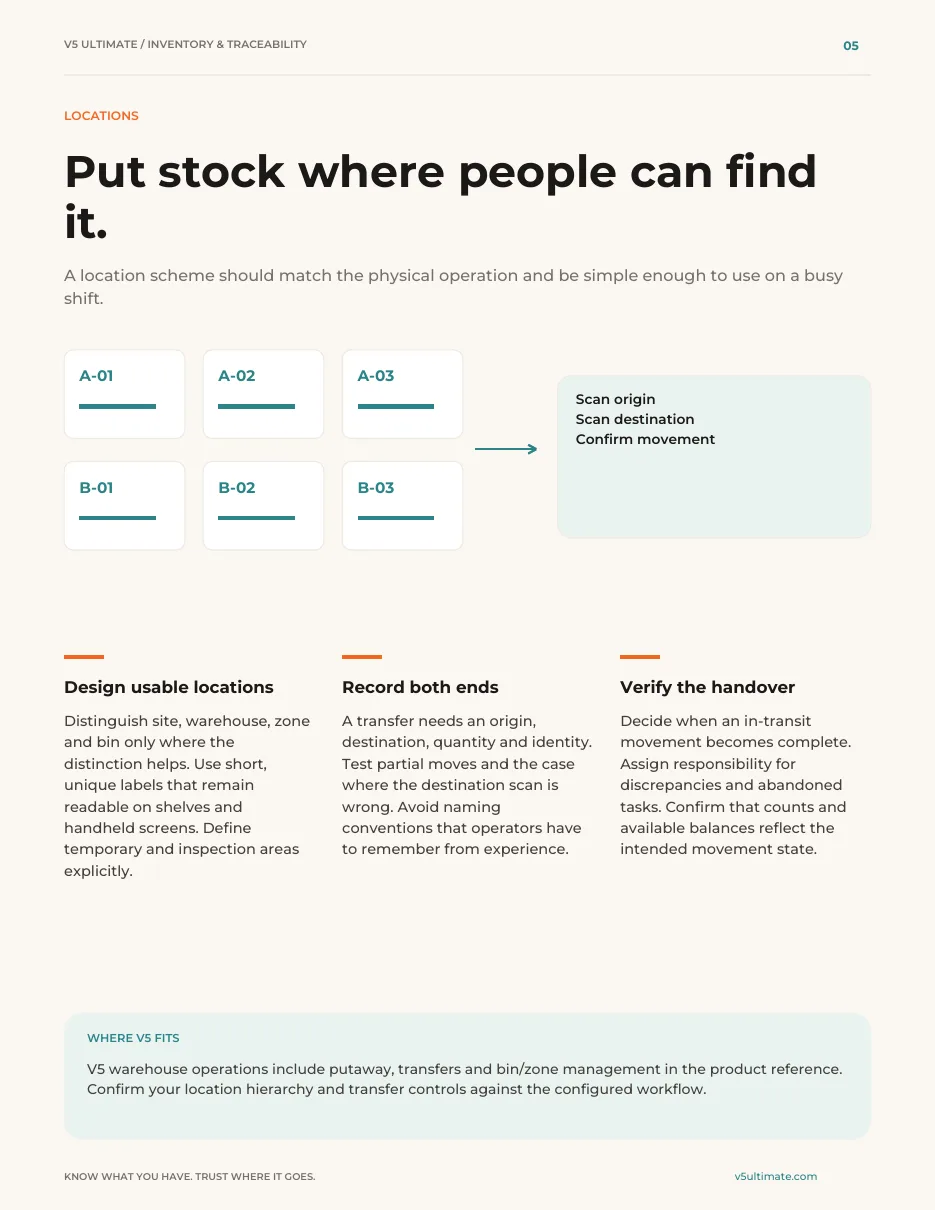
Putaways, moves and picks are confirmed by scanning the location and the lot, so the system matches the shelf.
The right lot goes first
Pick suggestions follow the rotation rule you choose — earliest expiry or oldest first — with each lot’s status shown beside it.
Counts you can act on
Count by location or item. Differences are reviewed before stock is adjusted, so corrections are deliberate.
Which pallet should go next?
A picker needs flour for today’s mix. Four lots are on the shelves, and only one is the right choice.
Pick 50 kg. Which lot should go?
Try it: switch the rotation rule to see the suggestion change, then confirm the pick.
- ReleasedAisle B · Bay 04Lot 2611 · 75 kg
- Expires
- 12 Oct 2026
- Received
- 20 Sep
- On holdAisle B · Bay 06Lot 2598 · 100 kg
- Expires
- 3 Oct 2026
- Received
- 16 Sep
- ReleasedAisle C · Bay 01Lot 2580 · 120 kg
- Expires
- 28 Nov 2026
- Received
- 14 Sep
- ExpiredAisle A · Bay 02Lot 2554 · 20 kg
- Expires
- 26 Sep 2026
- Received
- 2 Sep
Go to Aisle B · Bay 04, lot 2611. Scan the location, then the lot, to confirm it's the right stock.
Example lots. Which statuses stop a pick, and the rotation rule, follow your own setup.
Try scanning a stock move
Scan, confirm, done. It's on the record.
Try it: choose a job, then tap the orange button for each scan. Watch the log on the right.
- Scan the pallet label
- Go to A-04-2 (ambient) and scan the bin
- Confirm 18 cartons placed
Movement log
- Finish a job to record it here
Nobody types a bin or lot. The scans tie each carton to where it is, and picks follow FEFO or FIFO, the rule you set.
Worked example. Bins, zones and rotation follow your own warehouse set-up.
Warehouse tasks in detail: putaway, picking, counting and moves (GS1-128 labels, FEFO and FIFO explained)
Tap a step below to see what happens.Choose a step below to see what happens.
Step 1 of 4
- Suggested binA-04-2
- Scanned binA-04-2
- LotC-221 · exp 2027-03
- ZoneAmbient
Bins and zones are yours to set up.
Put away to a scanned bin
- The bin is scanned, not typed.
- Lot and expiry travel with the licence plate.
Bin suggestions follow the rules you configure.
More on putaway: full record and set-up
Also on this record
- Recorded
- Who and when
Bins and zones follow your set-up.
- Set-up
- A guided warehouse wizard helps lay out bins and zones.
Inventory & Traceability: The Practical Operations Guide
From goods-in to dispatch: practical controls for locations, usable stock, movements, counting, picking and traceability. Use it with or without V5.
- 1Tell physical, eligible and committed stock apart.
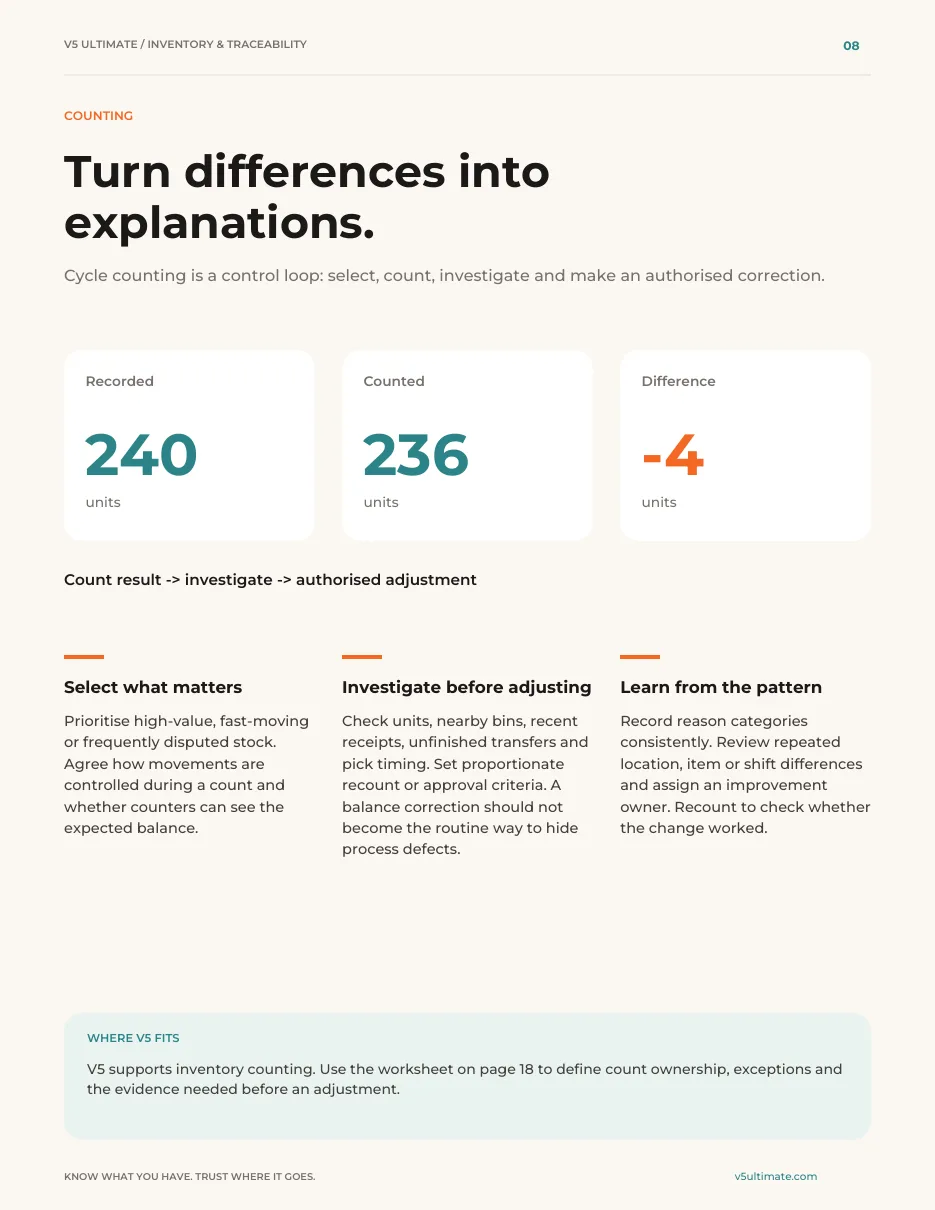
- 2Turn count differences into explanations first.
- 3Run five working tools, including a timed trace challenge.
See what's inside
- How to set up locations and stock status so people can tell physical, eligible and committed stock apart.
- A counting method that turns differences into explanations before an authorised adjustment.
- Five working tools, including exception tests and a timed trace challenge to run in your own warehouse.
Chapters: using the guide · the stock record · goods-in · locations · eligibility · movements · counting · picking and dispatch · traceability · quality handover · planning · automation and people · connections · implementation · measurement · five working tools · next step.
We ask for your name and email so we can handle this request. The PDF downloads in your browser. Privacy policy

What's included
What the WMS uses, and which plan each item needs. Compare plans
Warehouse
Bins, lots, rotation, counts.
Warehouse operations · Lots and GS1-128 labels · Operator kiosk
Explore the WMS
Warehouse
Bins, lots, rotation, counts.
Warehouse operations · Lots and GS1-128 labels · Operator kiosk
- Warehouse operationsIssue, counting, putaway, picking, transfers, replenishment, bins/zones, FEFO/FIFO.
- Lots and GS1-128 labelsLicence plates.
- Operator kioskPicking progress.
- Slotting and ABC velocityAvailability to confirmVelocity classes and forward-pick move suggestions; a person accepts each move.
- 3PL service billingAvailability to confirmHandling on receipt, nightly storage snapshots and freight on customer-owned stock, bundled into invoices.
- Multi-warehouseEnterpriseMore than one site.
Availability to confirm: the capability exists in V5, but which plans include it, and whether it is enabled for you, is not yet confirmed — ask us. People approve stock adjustments.
Try it in one aisle of your own warehouse.
Start your free trialOr (you can edit the question before sending) or .