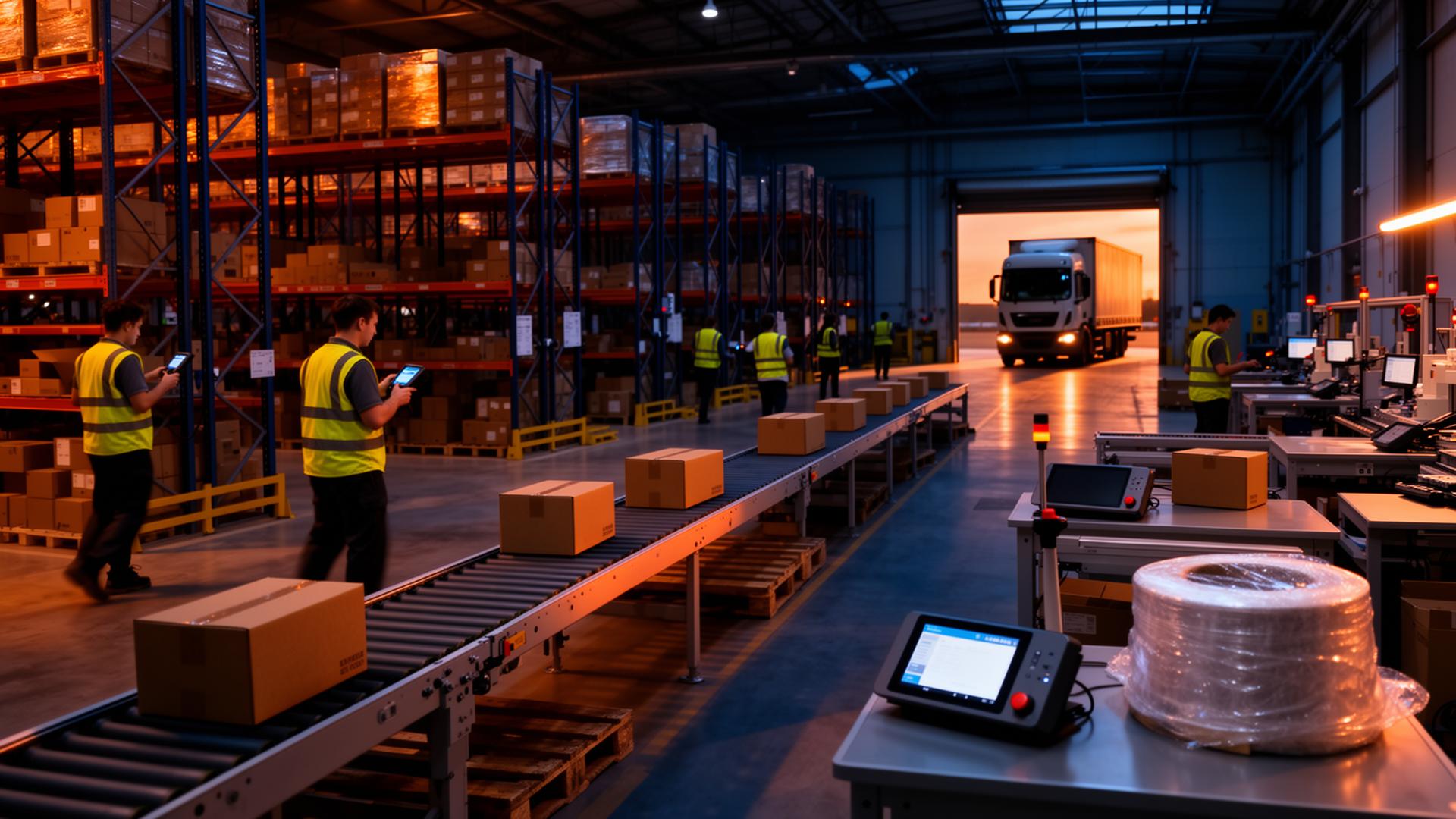
Pick the right lots, pack them, and load them against the order.
Pick lists from the sales order, lots confirmed by scan, pallets built and labelled, and pack/load coordinated before dispatch.
 Ultimate
Free guide
Pick, Pack & Load Checklist

Check the pick list, build and label the pallet, and load against the plan with the paperwork ready.
Free guide · 3 pages- PO-0317ReceivedMaterial A from Supplier A
- Lot L-0921LocatedPut Away to a Storage Location
- ReleaseReleasedQuality Releases the Lot for Use
- WO-0142Picked250 kg of Material A, FEFO order
- CountCountedRecorded and Physical Stock Compared
- SO-0142Loaded20 cases of Product A on PAL-0142
Conceptual illustration · fictional example
Follow one order from pick list to trailer.
SO-0142: 500 units of Product A for Customer A. Fictional example: invented names and values, not customer data or a product screenshot.
Start from the sales order
The pick list comes from the sales order, so item, quantity and ship date match what the customer confirmed.
- Item
- Product A
- Quantity
- 500 units
- Packed as
- 20 cases of 25
500 ÷ 25 per case = 20 cases
Conceptual illustration · fictional example
Pick the Right Lot by Scan
Pickers scan location and lot, with FEFO or FIFO rotation and lot status shown as they pick.
- Lot
- P-0142
- Cases
- 20 of 20
Conceptual illustration · fictional example
Pack and build the pallet
Cases are packed and built onto a pallet, so the pallet record knows exactly which lots it carries.
More on Pallet Management- Layers
- 4 × 5 cases
- Lots
- P-0142
Conceptual illustration · fictional example
Label the Pallet
GS1-128 labels identify the pallet, so every later scan points back to the same record.
- Identifier
- Pallet ID (fictional)
- Printer
- Configured label printer
Conceptual illustration · fictional example
Load Against the Plan
Pack and load are coordinated before dispatch; the bill of lading lists what was actually loaded.
- Paperwork
- Pick list, bill of lading
- Next
- Dispatch & Traceability
Conceptual illustration · fictional example
Outbound without the paperwork chase.
A comparison of how the work is done, not a measured result.
UltimateFree guide
Pick, Pack & Load Checklist
Pick, Pack & Load Checklist
Check the pick list, build and label the pallet, and load against the plan with the paperwork ready.
- Pick-list check
- Pallet build record
- Worked 20-case pallet example
- Labels, loading and paperwork
Full product detailPicking styles, scenarios, capabilities and FAQs in full.
Fulfilment that fights you.
Pickers walk the same aisle five times because the system can't batch
Wave releases live in a spreadsheet, not the WMS
B2B uses one system, DTC uses another, ops reconciles by hand
Carton size is the picker's best guess — labels reprint constantly
ASN goes out before the truck is loaded, chargebacks follow
Carrier cut-offs missed because the wave didn't release in time
Every picking style. One engine.
Wave, batch, zone, cluster, discrete. V5 picks the path, the picker walks it. Same floor — different choreography for different demand shapes.
One picker, one order, start to finish.
Picker-led packing. System picks the carton.
V5 reads the order profile and tells the picker which carton to grab — S, M or L. They hand-pack, stick the GS1-128 label, and the carton snaps onto the parent pallet. No dimensioners, no scales, no guesswork.
B2B and DTC. Same warehouse.
Pallet-and-case loads going to retailers. Single-parcel orders going to consumers. V5 runs both lanes off one inventory pool.
- Pallet & case picking by SSCC
- Customer label and ASN requirements, as configured
- EDI 940 in → 856 ASN + 945 out
- Last-stop-first load sequencing
- Chargeback-proof: scanned, not promised
- Cluster or batch picking
- Suggested carton size per order
- Carrier label print & manifest
- Wave-released to hit carrier cut-offs
- Returns flow back into the same ledger
No second WMS for parcel. No spreadsheet bridge for retail. Allocation rules, cut-offs and SLAs are configured per channel — the inventory underneath is the same perpetual ledger.
Label. Manifest. Dock door closed.
Every carton or pallet gets a label, every label gets manifested, every manifest gets a signed handoff. The ASN goes before the doors close — nothing ships without a record.
Driver signs on the kiosk. ASN already with the consignee. Manifest in the customer portal. Every label scanned, every scan signed.
Which style for which job.
Pick by SKU mix, order shape, site size and SLA — not by what the WMS can do.
Low volume, complex orders, returns processing.
High-volume DTC where many orders share SKUs.
Big sites with many SKUs; pickers own a zone.
Carrier cut-offs, B2B truck windows, dock waves.
Parcel orders pickable from one cart pass.
Pack stations with fixed SKU faces.
Hands-busy environments, where suitable devices are configured.
The V5 default — every action signed, every move auditable.
Pallet Management
Pallet build, SSCC, carton-child hierarchy, sequenced truck loading and native EDI live on the pallet page. Pick-pack-ship feeds it; the ledger sits underneath.
Inventory & warehouse
Receiving, put-away, slotting, replen, cycle counts, holds and quarantine. The system of record that picking, packing and shipping live on top of.
Common questions.
Can V5 do wave picking and batch picking at the same time?+
Yes. Each channel, customer or shift can run on a different style. Inventory underneath stays one perpetual ledger — you don't allocate twice, you don't reconcile after.
How does V5 handle B2B and DTC from one warehouse?+
Two lanes off one pool. B2B picks build pallets and SSCCs, validate against retailer specs, and send EDI 856/945. DTC picks cluster or batch into totes, get a carrier label, manifest to the cut-off. Same SKU, same lot, one stock record.
Does V5 tell pickers which carton size to use?+
Yes. V5 reads the order profile and tells the picker on the kiosk which carton (S/M/L) to grab. No dimensioner, no scale — the picker hand-packs and labels.
What about carrier cut-offs and wave release?+
Waves are scheduled or triggered by carrier cut-off. V5 releases the right orders to the floor at the right time, then closes the wave when the carrier picks up.
Where do pallets and cartons fit in?+
Pallet build, carton packing and EDI live on the dedicated pallet page. This page covers the pick→pack→ship flow that feeds them.
Pick the way you ship.
One platform. Every fulfilment style. Free to start.