Follow the charge.Record the step.Keep batch history.
The formula in force drives the work order. Each charge and step is recorded with who and when.
The record grows with the batch.
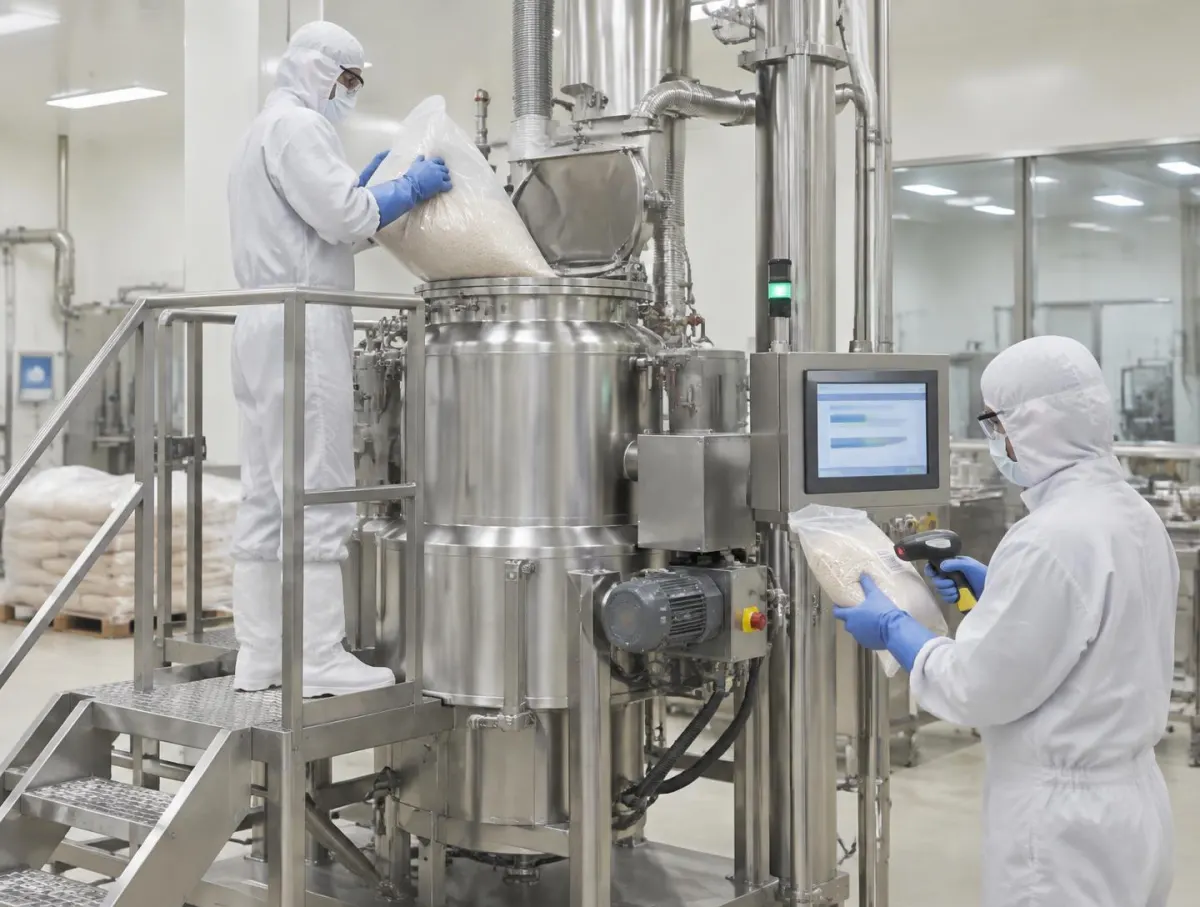
Follow one batch
Steps from the Formula
The formula and instructions set the step order, lines and in-process checks.
How batching works: steps, charges, checks and records
1. Steps from the Formula
The formula and instructions set the step order, lines and in-process checks.
Whether a step can be skipped or changed follows your configured rules.
Operators see the current step.
- Grid only?
- Batches aren't only tracked on a board; each step is recorded.
Available workflows depend on your production set-up.
G-3307 · MX-2
Formula GR-4 v2
- 1 · Charge base
- Current
- 2 · Charge binder
- Second check
- 3 · Granulate 12 min
- Waiting
- 4 · Moisture check
- Waiting
- Skipping
- Per your rules
Order, lines and checks from the formula.
2. Charged Against the Lot
Every charged quantity is recorded against its source lot.
A second lot is recorded separately, keeping tracing accurate.
Where a second person is needed for a material, their sign-off follows your rules.
- Trace
- Lot records later let you trace forwards and back.
Second-person electronic signatures are Professional and Enterprise.
Charge base · 3 bags
Scanned at the mixer
- Bag 1
- Lot L-5501 · 25.0 kg
- Bag 2
- Lot L-5501 · 25.0 kg
- Bag 3
- Lot L-5502 · 25.0 kg
- Total
- 75.0 kg of 75.0
- Operator
- Own login
Every charge tied to its source lot.
3. Readings Against Tolerance
Where a scale is connected, readings are compared with the line's tolerance band.
In-process checks are recorded at their step.
Out-of-band results are recorded as exceptions for review.
- Devices
- See hardware & devices for supported connections.
Scale connections are configured per station; confirm your models with us during setup.
Charge Binder
Scale SC-M2 · connected
- Target
- 6.00 kg ± 0.05
- Reading
- 6.02 kg
- Moisture
- 2.8% · limit 3%
- Second check
- Supervisor · signed
- Out of band
- Recorded as exception
Readings compared with the line's tolerance.
4. Batch record from what was done
Weights, checks, signatures and exceptions are recorded at the step.
Batch reporting draws on what was actually done.
A person reviews and decides release.
- Record
- See eBMR / eDHR for review.
What goes to your ERP depends on the configured integration.
G-3307 · batch record
Built from recorded steps
- Steps
- 4 of 4 recorded
- Lots
- L-5501, L-5502, B-221
- Exceptions
- None
- Review
- QA · signs
- ERP
- Per integration
Reporting draws on what was actually done.
Batching Inside Production
Formulas set the batch, dispensing and charges consume lots, and the record goes to review.
AI and Batching
Approved batch instructions stay in charge
Approved batch instructions stay in charge
Recipe assistance can support draft preparation where enabled. It does not turn a draft formula into an approved manufacturing instruction.
Everything in this feature
What batching uses, and which plan each item needs. Compare plans
Work orders, blending, packaging
All plansBatch jobs.
Operator kiosk
All plansRecording at the mixer.
Lots and traceability
All plansCharges against lots.
Electronic signatures
Professional and EnterpriseSecond-person checks.
Regulated reports
Professional and EnterpriseBMR.
Anomaly detection on scale streams: coming soon, not available today. A person reviews every batch and decides release.
Explore the sample records.
Open a sample report to review its contents, supporting references and how the record is built.
 Ultimate
Sample report
Electronic Batch Manufacturing Record (eBMR)

Plan & make
- Ultimate
Sample report
Master Manufacturing Record (MMR)
Plan & make
Weighing, Dispensing & Formulation Buyer Guide
For production, quality and engineering teams choosing software for formulas, scan-checked dispensing and scale readings. Use it with or without V5.
- Why weighing records fail
- Formula versions, structure, scaling and tolerances
- Tare, gross, net, units and staged weighing
- Material status and selection rules at the scan
Plus Readings, micro ingredients and station readiness; Verification, signatures, corrections and exceptions; The electronic dispensing record, issue, return and yield; Worked premix, sector vocabulary, master data and validation; Implementation, RACI, RFP questions and scored checklist.
Get the weighing & formulation guideWe ask for your name and email so we can handle this request. The full guide then opens on this site, ready to translate, print or save. Privacy policy.
UltimateFree buyer guide
Weighing, Dispensing & Formulation Buyer Guide
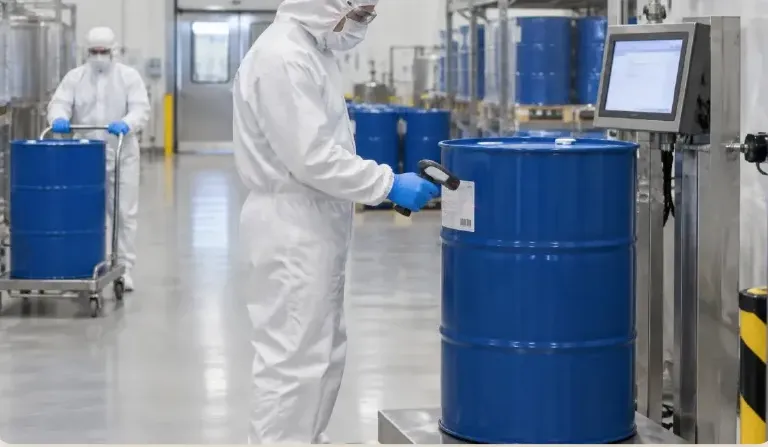
Straight answers.
What buyers ask us first about Production & Planning.
Does V5 replace our planning spreadsheet?
Scheduling and MRP give planners a board and suggested orders to review. Planners still decide what to run and when.
Can operators work from a tablet at the line?
Yes. The operator kiosk runs on tablets and shows one step at a time, recording what was done as the work happens.
Which plan includes electronic batch records?
Electronic batch and device records with e-signatures start on Professional. See Compare details on the pricing page for the full list.
More of the product
Start with one area. Add the rest when you are ready.
 Warehouse & TraceabilityExplore
  This feature's areaProduction & PlanningExplore
  Quality & LaboratoryExplore
  Documents & TrainingExplore
  Equipment & PerformanceExplore
  Orders & IntegrationsExplore
Try it with one of your own batches.
Start a free trial or talk it through with us. No card needed.