Choose the lots.Stage the materials.Link the job.
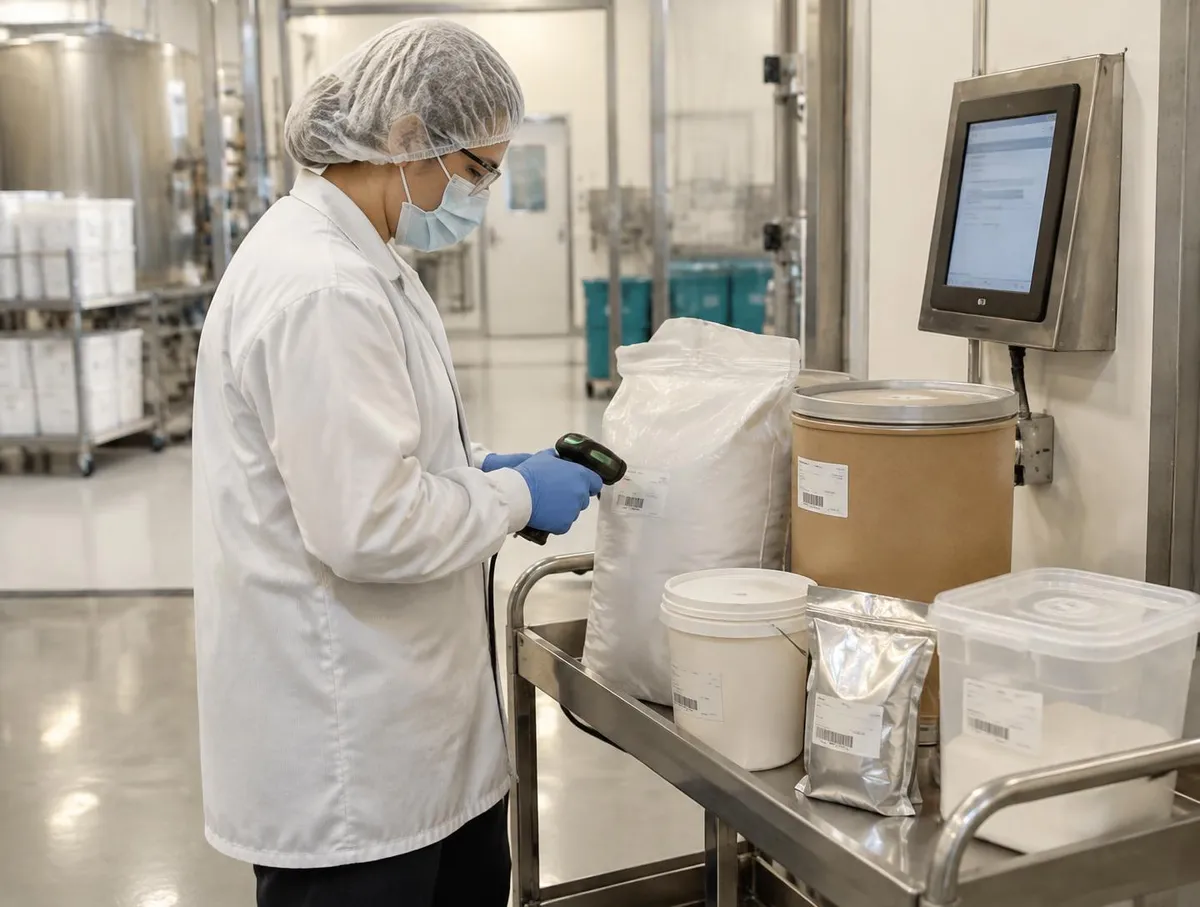
Build a pick list from scheduled work orders, issue lots by your rule and kit them at the kiosk with every lot scanned.
Materials gathered for the right job.
Follow one work order
Start from the scheduled work
Pick the scheduled batches you are preparing for.
How material issue works: demand, lot rules, kitting and exceptions
1. Start from the scheduled work
Pick the scheduled batches you are preparing for.
Demand can be rolled up across batches.
Choose FEFO, FIFO or a supervisor's lot choice.
- Schedule
- Work orders come from scheduling and production.
Which batches come first follows your schedule.
Pick list · Line 2
Scheduled batches
- WO-0142
- Selected
- WO-0143
- Selected
- WO-0145
- Next shift
- Lot rule
- FEFO
- Roll-up
- Across batches
One list for the batches you prepare.
2. What is still needed, in whole packs
Gross demand is reduced by stock already staged.
Quantities round up to whole packs.
Each item shows gross, staged and remaining.
- Leftovers
- Part packs go back to stock under your process.
Rounding follows the pack sizes set on each item.
Starch · net demand
WO-0142 + WO-0143
- Gross demand
- 62 kg
- Already staged
- −25 kg
- Still needed
- 37 kg
- Pack size
- 25 kg bag
- To issue
- 2 bags · 50 kg
Staged stock is netted off.
3. Every lot scanned onto the cart
The operator scans each lot label in Kit & Issue.
Auto-pick by FEFO is available.
Pre-kit checks are completed at the kiosk.
- Difference
- Material issue stages lots; weigh and dispense records measured quantities.
Weighing happens later, at weigh and dispense.
Kit & Issue
Kiosk · WO-0142
- Starch
- R-4410-1 · scanned
- Expiry
- 2027-08-31 · earliest
- Salt
- Scan next
- Pre-kit checks
- Done
- Auto-pick
- By FEFO
The lot is checked as it is picked.
4. Changeovers and exceptions on the record
A sanitation break shows where an allergen changes between jobs.
Verifying without a scan needs a recorded reason.
Replacements for lost material are recorded against the work order.
- Food safety
- See food safety records for control checks.
Your allergen plan and cleaning procedure stay with your qualified people.
WO-0143
Changeover
- Allergen change
- Milk → none
- Sanitation break
- Acknowledged
- Label won't scan
- Reason recorded
- Spill in transfer
- Replacement + reason
- Recorded by
- Operator · time
Exceptions keep their reason.
Where material issue fits
It sits between stock in the warehouse and the work order on the floor.
- ProductionAllocate, run and complete work orders with consumption recorded.See Production
- This pageMaterial issue & kittingIssue lots to work orders by FEFO, FIFO or supervisor choice, then kit at the kiosk.
- Weigh & dispenseWeigh every material, including micro quantities, against formula tolerances on connected scales, batch by batch.See Weigh & dispense
- WMSPut away, pick and count with each move recorded.See WMS
AI and Material issue & kitting
Issued quantity needs a real transaction
Issued quantity needs a real transaction
Ask V5 how reserved, issued and consumed material differ. Formula assistance upstream does not establish which physical lot was issued.
Everything in this feature
What material issue uses, and which plan each item needs. Compare plans
Pick lists from work orders
All plansRolled up across batches.
FEFO, FIFO or manual lot
All plansChosen per issue.
Kit & Issue kiosk
All plansEach lot scanned.
Allergen sanitation prompt
All plansAcknowledged before continuing.
V5 suggests lots by your rule. Supervisors can choose otherwise.
Explore the sample records.
Open a sample report to review its contents, supporting references and how the record is built.
 Ultimate
Sample register
Material issue pick list (CSV)

Plan & make
- Ultimate
Sample report
Work Order Traveler
Plan & make
- Ultimate
Sample report
Dispense Ticket
Plan & make
Manufacturing Execution Buyer Guide
For operations, quality and IT teams choosing manufacturing execution software. Use it with or without V5.
- Operator-to-reviewer record map
- Electronic record evidence checklist
- Readiness, procedures and human review
- Exceptions, deviations and rework
Plus Batch, assembly or packaging vocabulary; Implementation, RFP and scored evaluation.
Get the guideWe ask for your name and email so we can handle this request. The full guide then opens on this site, ready to translate, print or save. Privacy policy.
UltimateFree buyer guide
Manufacturing Execution Buyer Guide
Straight answers.
What buyers ask us first about Production & Planning.
Does V5 replace our planning spreadsheet?
Scheduling and MRP give planners a board and suggested orders to review. Planners still decide what to run and when.
Can operators work from a tablet at the line?
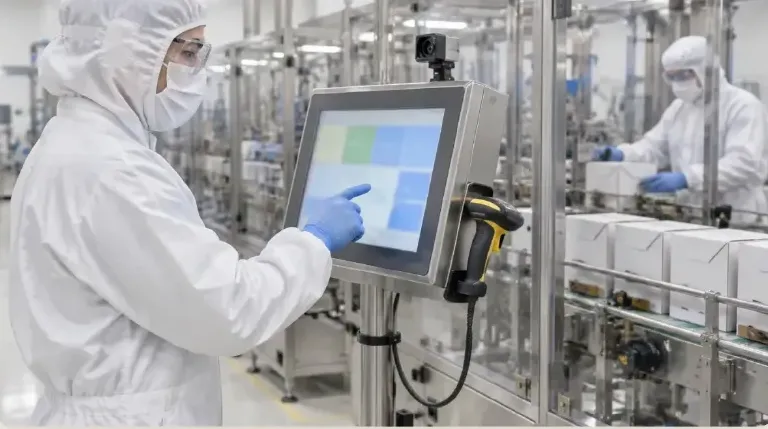
Yes. The operator kiosk runs on tablets and shows one step at a time, recording what was done as the work happens.
Which plan includes electronic batch records?
Electronic batch and device records with e-signatures start on Professional. See Compare details on the pricing page for the full list.
More of the product
Start with one area. Add the rest when you are ready.
 Warehouse & TraceabilityExplore
  This feature's areaProduction & PlanningExplore
  Quality & LaboratoryExplore
  Documents & TrainingExplore
  Equipment & PerformanceExplore
  Orders & IntegrationsExplore
Try it with one of your own work orders.
Start a free trial or talk it through with us. No card needed.