
Medical device manufacturing
Electronic device history records (eDHR) captured as units are built
Every unit's steps, lots, checks and signatures on one record, ready for a person to review.
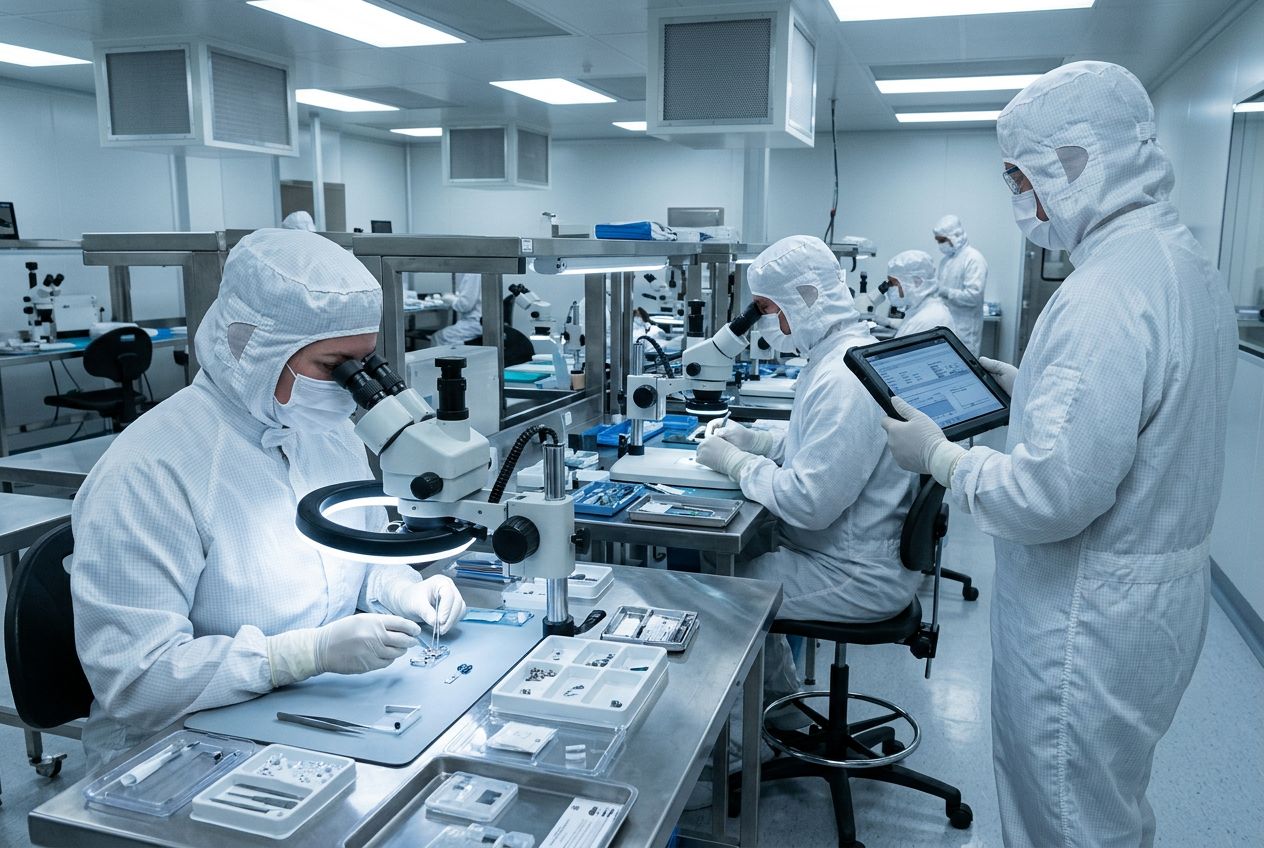
Records built as units are made
Steps, checks, scanned lots and signatures are captured at the bench, not typed up later.
Exceptions in plain sight
Failed checks and corrections sit on the record, linked to a nonconformance, for your reviewer.
Connected to labels and trace
Print the identifiers you configure and trace a serial or lot back to its materials.
One unit, one record, one decision
Try it: the leak test failed once, was re-tested and linked to a nonconformance. Approve or return the record.
Unit record · SN-0417
eDHR preview- Housing lot H-2207 scanned
- Assembly to revision C, signed A. Ruiz
- Leak test — first result out of limit
- Re-test in limit, NCR-118 linked
- Label printed, serial SN-0417
Reviewer decision — a person decides.
Open exception noted. Nothing is released until someone decides.
How a unit's record is built, step by step
Step 1
Release the build instructions
Work instructions are approved in document control; operators see the current revision only.
Step 2
Start a unit or lot
The record opens against a serial number or lot and the instruction revision in force.
Step 3
Scan components
Component and material lots are scanned, so the unit can be traced back to its suppliers.
Step 4
Build and inspect
Steps, measurements and signatures are recorded at the bench; training and calibration status can block a step.
Step 5
Handle exceptions
A failed check stays on the record with the re-test and any linked nonconformance.
Step 6
Review, label, ship
A qualified person reviews and signs the record; labels print the identifiers you configure and the eDHR report comes from the same record.
DHR under the QMSR
Since 2 February 2026, FDA's Quality Management System Regulation (21 CFR 820) incorporates ISO 13485:2016 by reference. The old section 820.184 on device history records was removed. Teams still say "DHR" for the production record ISO 13485 clause 7.5.1 requires for each device or batch, and section 820.35 adds FDA-specific record content, for example UDI on complaint and servicing records.
V5 gives you the record, signatures and audit trail. Which requirements apply to your devices, and whether your records meet them, is decided by your quality team.
What to check when choosing eDHR software
Per-unit and per-lot records
Does the system hold one record per serial or batch, including amount made and amount approved for distribution?
Revision control at the bench
Can an operator only work to the current approved instruction revision?
Training and calibration checks
Does it stop a step for an untrained operator or an out-of-calibration instrument?
Nonconformance on the record
Are failed checks, rework and NCRs linked to the unit, not kept in a separate spreadsheet?
Identifiers and trace
Which identifiers can you print and trace? V5 does not submit data to GUDID or EUDAMED.
Validation and support
IQ/OQ support is Enterprise only; your team still validates for intended use, including PQ.
V5 runs hosted in the cloud or installed on premises.
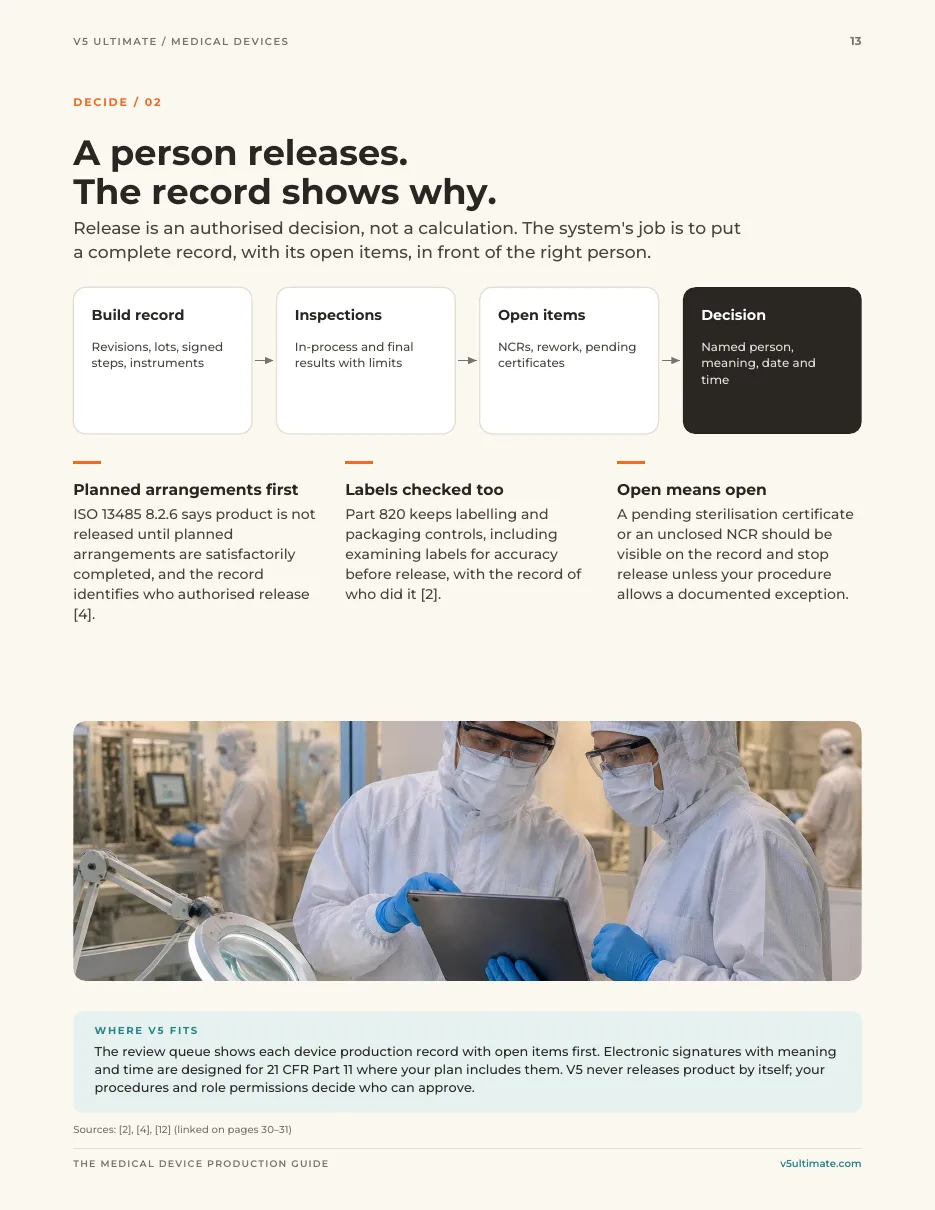
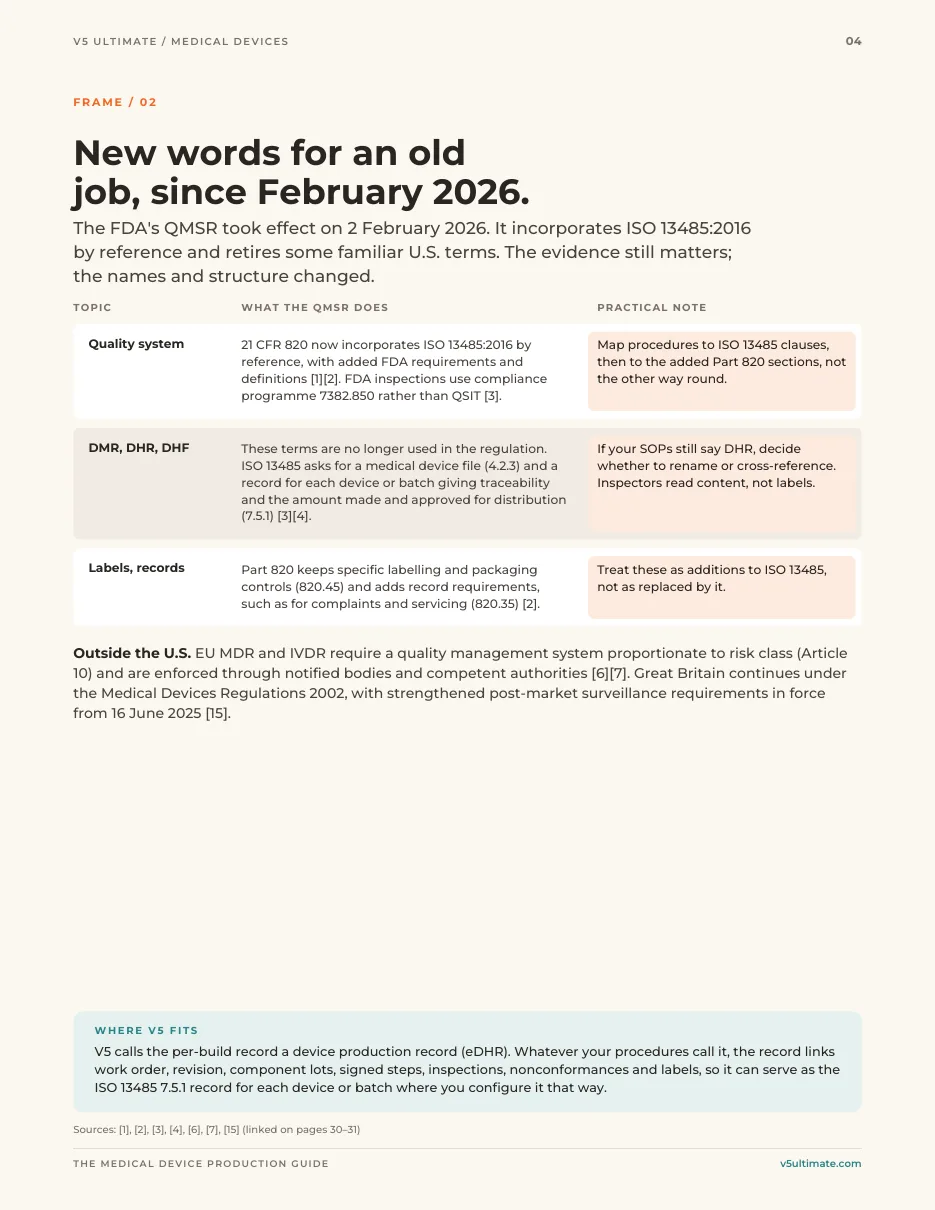
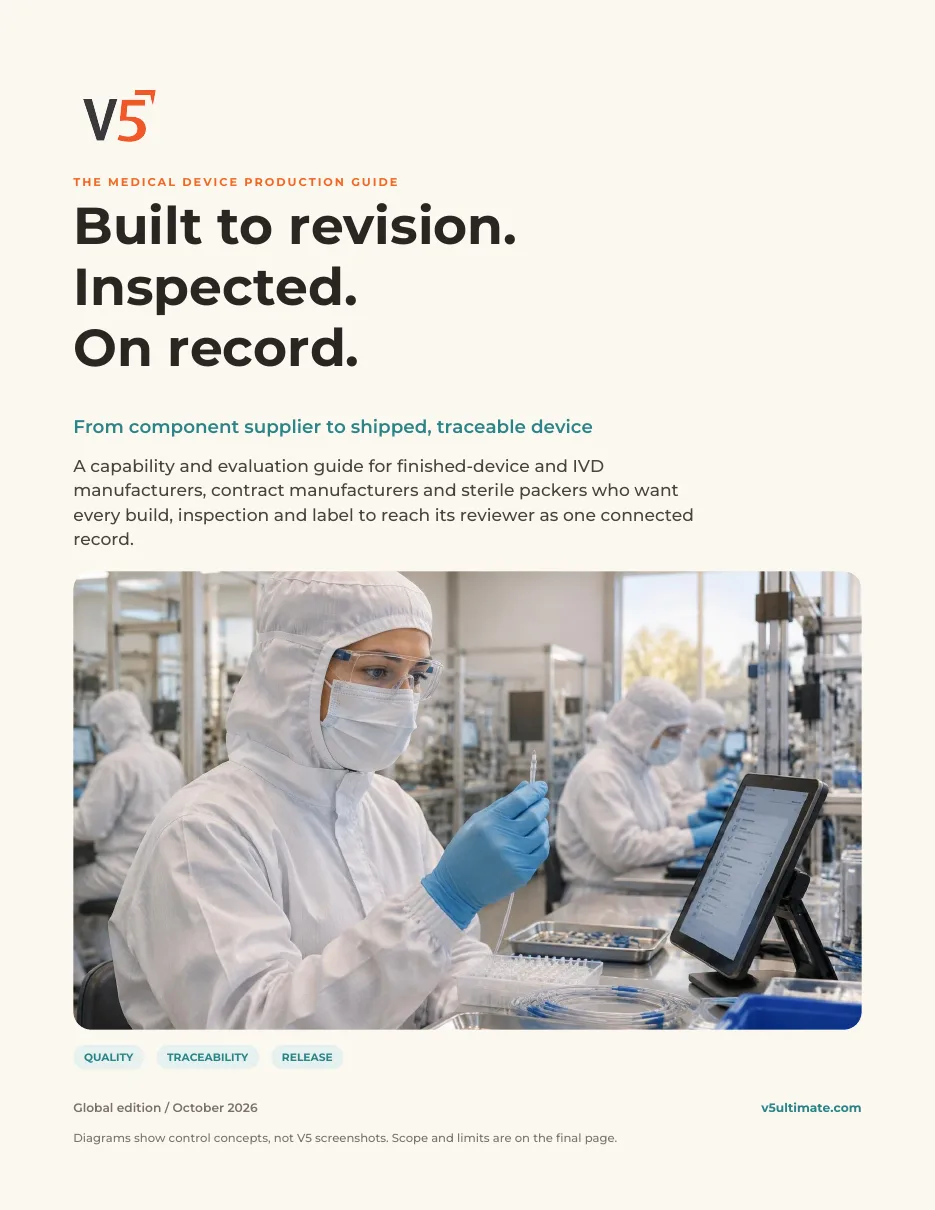
The Medical Device Production Guide
Built to revision. Inspected. On record.
32 pages · 4 worksheets · 15 primary sources
- What the QMSR changed in February 2026
- Supplier to finished build
- Inspect, review, correct
- Labels, UDI and traceability
- Evidence map and four worksheets
Free. Just your name and email, and it downloads instantly.
We use your details to handle this request. Privacy policy. Practical orientation, not legal advice; your quality unit decides which rules apply.
Questions buyers ask
Is this a patient electronic health record?
No. Here eDHR means the electronic device history record for production: what was built, from which lots, by whom, with which checks and signatures. V5 does not hold patient health data.
What does V5 record for each unit or lot?
The steps operators complete, check results, material lots scanned, electronic signatures and corrections, held in an audit trail and assembled into an eDHR report. Which fields you capture depends on how your team configures the work instructions.
Who decides a unit is acceptable?
A qualified person. V5 shows the record and any open exceptions; your reviewer approves or returns it. V5 does not release product on its own.
Does V5 submit UDI data to GUDID or EUDAMED?
We do not claim a GUDID or EUDAMED submission connection. You can design labels that print the device and production identifiers you configure. Preparing and submitting UDI data stays with the labeler. Ask us about your exact process.
How does this relate to the FDA QMSR?
FDA's revised Part 820 (the QMSR) took effect on 2 February 2026 and incorporates ISO 13485:2016 by reference, with additional FDA requirements. V5 provides records, signatures and audit trails that support your quality system; deciding what applies to your devices and showing compliance stays with you.
Is the device history record still a legal term?
Not in current FDA rules. The QMSR removed the old section 820.184 and its DHR definition. DHR remains common industry shorthand for the record ISO 13485 clause 7.5.1 asks for: a record for each device or batch that gives traceability and shows the amount made and approved for distribution.
Is validation support included?
IQ/OQ and validation support is part of the Enterprise plan only. Your team remains responsible for validation for your intended use, including PQ, and for approving it.
Where is the regulatory context from?
Prepared by S.G. Systems, LLC, publisher of V5 Ultimate. FDA sources reviewed 1 October 2026; eCFR sections rechecked 3 October 2026. The GUDID database holds the device identifier (DI), not production identifiers; labelers organise and validate their own data. Applicability to your devices is your decision.