How does the floor run the work order and leave a signed record?
Run the work order on the floor, and leave a signed record behind it.
Work orders and instructions at the kiosk, material checked at the scan, and the batch record built as people record the work — alongside your ERP.
Workflow 4 of 6 · Production & Packaging
How it runs
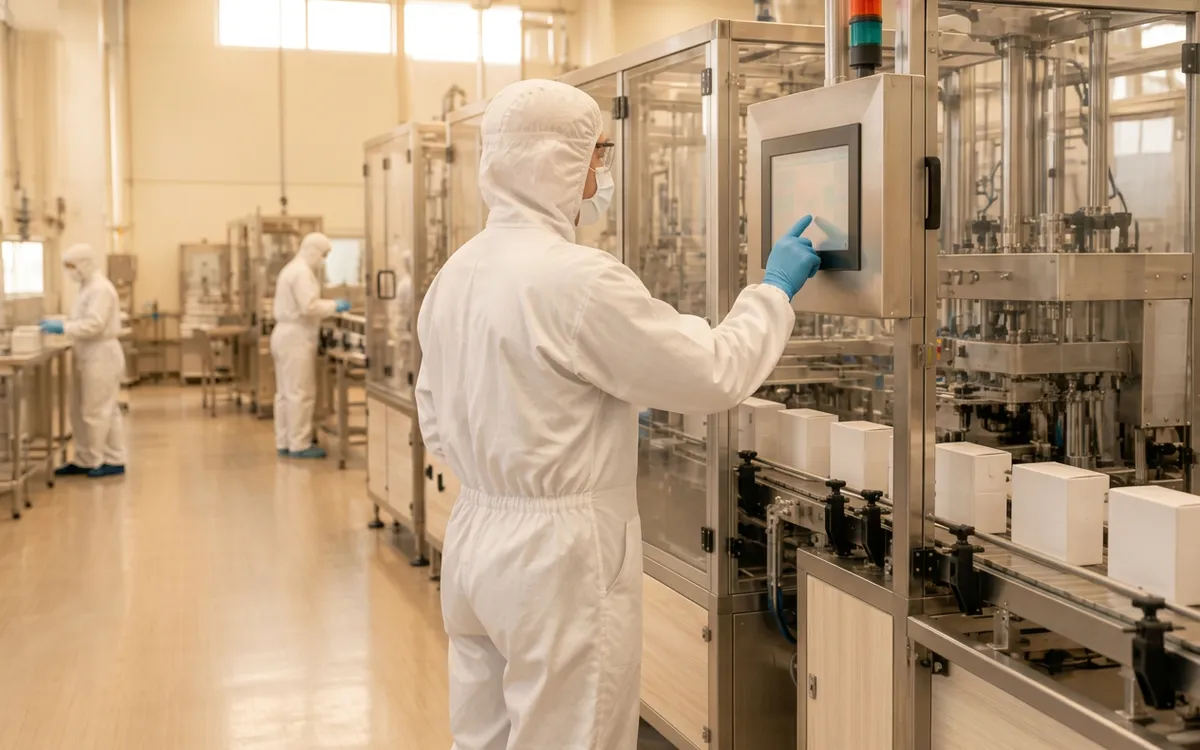
V5 carries the approved formula onto the floor. Work orders and production instructions drive dispensing, stage review and batch reporting, and the batch record is assembled from what operators actually did, through to packaging and labels.
Step 1 of 5
Maintain the formula
Keep formulas, composition and production instructions under control. Formulas show at a glance whether nutrition data and a safety data sheet exist.
What changes
What was approved is what runs
Production follows the maintained formula and instructions rather than a paper copy.
The record builds as you go
Batch reporting comes from recorded steps, reducing end-of-batch transcription.
Composition stays connected
Ingredient composition feeds nutrition, allergen and SDS work instead of being re-entered.
Detailed pages in Production & Packaging (19)
- Shop-floor executionKiosk-led work orders.
- ProductionRunning the batch step by step.
- DispensingDispense against the work order.
- Material issue & kittingStage the right lots for each work order.
- Weigh & dispenseGuided weighing on connected scales, from micro-ingredients to full charges, against formula tolerances.
- PLC & automationAutomated dispense, mixer and line control over OPC UA / Modbus TCP, recorded to the batch record.
- Electronic dispensing recordThe dispense record itself.
- FormulationFormulas and composition.
- Recipe managementRecipes and revisions.
- BatchingBatch production control.
- Manufacturing kioskTouch-first operator screens.
- eBMR / eDHRBatch and device history records.
- Wrong-material preventionScan checks at dispense.
- Step sequence enforcementSteps in the approved order.
- Yield variance controlPlanned vs actual yield.
- Paperwork eliminationReplacing paper travelers.
- Label design & printDesigner, print and reprint trail.
- Manufacturing costing (COGS)Standard vs actual cost per batch, feeding your accounting system.
- Potency & LOD adjustmentsCharge calculations from lab values.
Related pages in other workflows
- Safety data sheetsSDS status and composition disclosure for finished products.
- REACH & CLPChemical composition and SDS context.
- QC releaseWhere the finished batch goes next.
Current limits
- Available production workflows depend on production configuration and user permissions.
Questions
- Does V5 check ingredients against banned or restricted substance lists?
- Composition is recorded against the formula and supports SDS disclosure decisions. Restrictions vary by jurisdiction, use and concentration. Contact us to confirm support for your required substance lists, limits and jurisdictions.
- Can we allocate batches before production starts?
- Yes. Batches can be allocated at planning and consumed at completion. Exceptions such as expired batches, negative stock or overproduction can be permitted per workspace, and each is recorded with the operator's signature.
- Do label previews follow our country?
- Nutrition label previews follow the country configured for the workspace, and allergen declarations can appear on the label preview.
Free Working Guides
Practical checklists for this workflow, downloaded in your browser.
 Ultimate
Free guide
Work Order Execution Checklist

Confirm a work order is ready before it reaches the floor, record each step as it is done, and hand a complete stage to review.
Free guide · 3 pagesUltimateFree guide
Batch Record Review Checklist
Confirm the batch record is complete, work through recorded exceptions first, and hand a clear picture to whoever decides release.
Free guide · 3 pagesUltimateFree guide
Paper Record Conversion Worksheet
List every paper form, what it records and who signs it, then decide where each entry will be recorded and who reviews it.
Free guide · 3 pages